Prompt Caching Best Practices for Claude 3.5 Sonnet & Opus
As Large Language Models (LLMs) continue to support massive context windows (up to 200,000 tokens for Claude models), developers face two major bottlenecks: high latency (Time-To-First-Token) and exorbitant API costs.
Sending a 100k-token codebase to Claude for every single chat turn is computationally expensive and slow. Enter Prompt Caching.
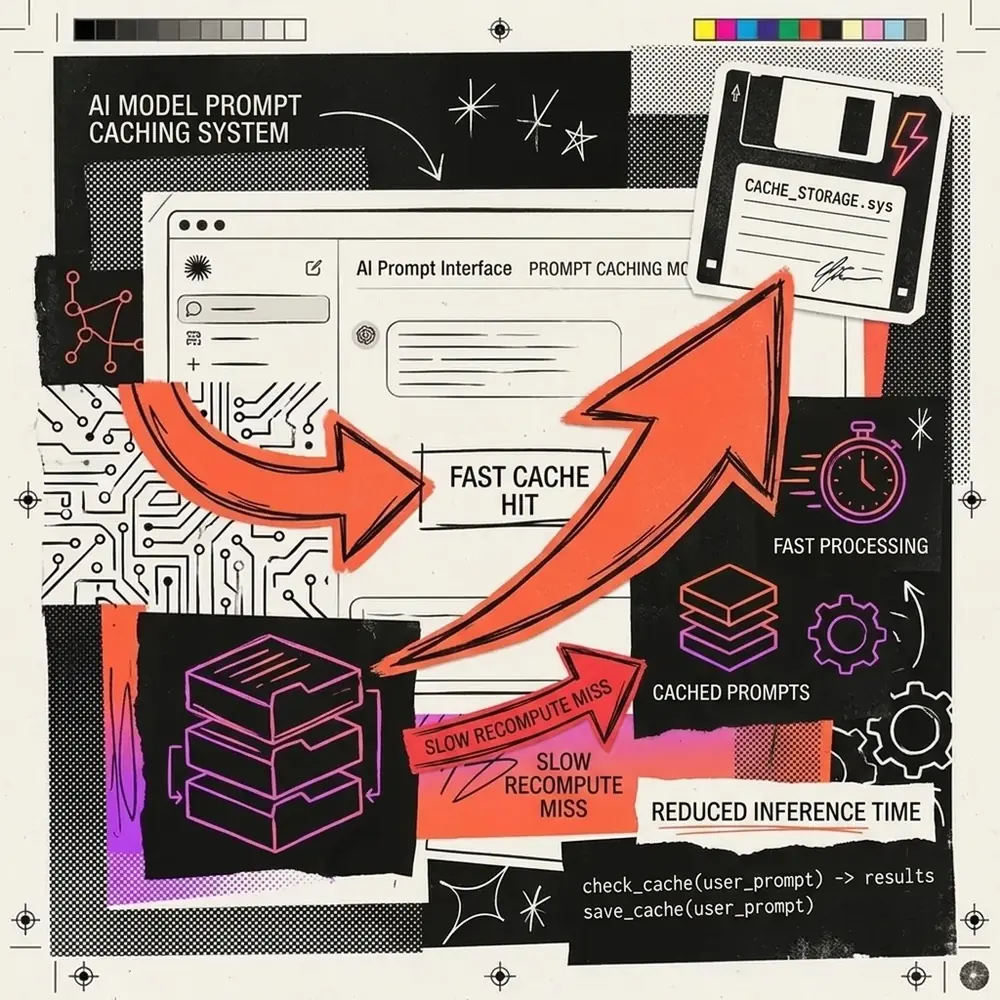
Anthropic’s Prompt Caching feature allows you to cache large blocks of context—like system instructions, reference documents, or massive codebases—so they only need to be processed once. In this guide, we will explore the best practices for implementing prompt caching with Claude 3.5 Sonnet and Claude 3 Opus.
Understanding the Economics of Caching
Before diving into the technical implementation, you must understand the financial incentive. Anthropic structures their caching pricing in three tiers:
| Token Type | Pricing (per 1M tokens) |
|---|---|
| Base Input (Uncached) | Standard Rate (e.g., $3.00 for Sonnet) |
| Cache Write (First time) | +25% Premium (e.g., $3.75 for Sonnet) |
| Cache Read (Subsequent) | -90% Discount (e.g., $0.30 for Sonnet) |
[!TIP] The Break-Even Point: Because writing to the cache costs 25% more, you only need to reuse a cached prompt once to break even. Any subsequent reuse results in massive cost savings.
How Prompt Caching Works
Prompt caching works on a prefix basis. The API looks at your request from the very beginning (the system prompt) down to the end. If the exact sequence of tokens matches a sequence that has recently been cached, it retrieves the state from memory instead of re-computing it.
The 5-Minute Rule
Anthropic’s cache has a Time-To-Live (TTL) of 5 minutes. Every time a cached prefix is read, the 5-minute timer resets. For high-traffic applications, a popular cache can theoretically stay alive indefinitely.
Best Practice 1: Structure Your Prompts Logically
Because caching works strictly via prefix matching, the order of your prompt matters immensely. You must put static, unchanging content at the very top, and dynamic, user-specific content at the very bottom.
The Optimal Prompt Structure
- System Prompt & Instructions (Static - Cacheable)
- Knowledge Base / Documents (Static - Cacheable)
- Few-Shot Examples (Static - Cacheable)
- Chat History (Semi-Dynamic - Partially Cacheable)
- Latest User Query (Dynamic - Never Cached)
graph TD
    A[System Instructions] --> B[RAG Documents]
    B --> C[Few Shot Examples]
    C -->|CACHE BREAKPOINT| D[Previous Conversation History]
    D --> E[Current User Input]

    style A fill:#4CAF50,stroke:#388E3C,color:#fff
    style B fill:#4CAF50,stroke:#388E3C,color:#fff
    style C fill:#4CAF50,stroke:#388E3C,color:#fff
    style D fill:#FFC107,stroke:#FFA000,color:#000
    style E fill:#F44336,stroke:#D32F2F,color:#fff
In the diagram above, the green blocks represent static content that should be flagged for caching.
Best Practice 2: Strategic Placement of Cache Breakpoints
To utilize caching in the Anthropic API, you must add the cache_control: {"type": "ephemeral"} parameter to specific blocks of text in your API request. You can define up to 4 cache breakpoints per request.
Example Implementation (Python)
import anthropic

client = anthropic.Anthropic()

response = client.messages.create(
    model="claude-3-5-sonnet-20240620",
    max_tokens=1024,
    system=[
        {
            "type": "text",
            "text": "You are an expert financial analyst. " * 5000,
            "cache_control": {"type": "ephemeral"} # Breakpoint 1
        }
    ],
    messages=[
        {
            "role": "user",
            "content": "Analyze the latest earnings report."
        }
    ]
)
By placing the cache_control marker at the end of the large system prompt, you tell Claude to index everything up to that point.
Best Practice 3: Caching Chat History
For long-running conversations, you can cache the chat history itself. However, since the history changes with every turn, you must handle the breakpoints carefully.
The Multi-Turn Strategy: Instead of caching the entire history, place your cache breakpoint on the second-to-last message.
- Turn 1: User asks Q1 -> Assistant answers A1. (No cache hit possible yet).
- Turn 2: User asks Q2. You send
[Q1, A1 (Cache breakpoint here), Q2]. - Turn 3: User asks Q3. You send
[Q1, A1, Q2, A2 (Cache breakpoint here), Q3].
This rolling cache strategy ensures that the bulk of the historical context is always loaded from memory, reducing TTFT to a fraction of a second, even for 50k+ token conversations.
Best Practice 4: Avoid Cache Invalidation Traps
The most common mistake developers make is accidentally invalidating their own cache. Remember: the prefix must be a byte-for-byte exact match.
[!WARNING] A single altered character—even an invisible trailing space or a dynamically inserted timestamp at the top of your prompt—will instantly invalidate the entire cache, forcing a costly cache write.
- Do not include timestamps or unique request IDs in the system prompt.
- Do not randomly shuffle your RAG documents or few-shot examples.
- Ensure deterministic JSON serialization if you are passing structured data into the static portion of the prompt.
Conclusion
Prompt caching is not just a nice-to-have feature; it is a mandatory architectural pattern for any production-grade LLM application dealing with large context windows. By carefully structuring your prompts, utilizing rolling breakpoints for chat history, and rigorously avoiding accidental cache invalidations, you can slash your Claude API bills by up to 90% while delivering lightning-fast experiences to your users.