Cursor vs Windsurf: AI-Native Code Editors Compared
The battle for the ultimate AI-first code editor is centered on two standout VS Code forks: Cursor (by Anysphere) and Windsurf (by Codeium).
Both editors move beyond basic Copilot autocomplete plugins by integrating deep workspace awareness, agentic multi-file refactoring, and natural language terminal execution.
Comparison Matrix
| Feature | Cursor | Windsurf (Codeium) |
|---|---|---|
| Agentic Workflow | Cursor Composer | Cascade Agent & Flows |
| Autocomplete Engine | Custom Cursor Tab Model | Codeium Supercomplete |
| Supported LLMs | Claude 3.7 Sonnet, GPT-4o, o3-mini, DeepSeek R1 | Claude 3.7 Sonnet, GPT-4o, DeepSeek R1, Command R+ |
| Context Indexing | Codebase Vector Embeddings & @Codebase | Real-time Cascade Context & Terminal Memory |
| Terminal Integration | Natural Language Cmd+K in Terminal | Deep Cascade Terminal Command Execution |
| Extension Compatibility | Full VS Code Marketplace Extensions | Full VS Code Marketplace Extensions |
Key Differentiators
1. Cursor Composer vs Windsurf Cascade
- Cursor Composer: Focuses on generating visual diffs across multiple files simultaneously. You can preview, accept, or reject specific file edits line-by-line.
- Windsurf Cascade: Acts as an interactive co-pilot that dynamically switches between chat, terminal command execution, file generation, and real-time step inspection.
Summary & Recommendation
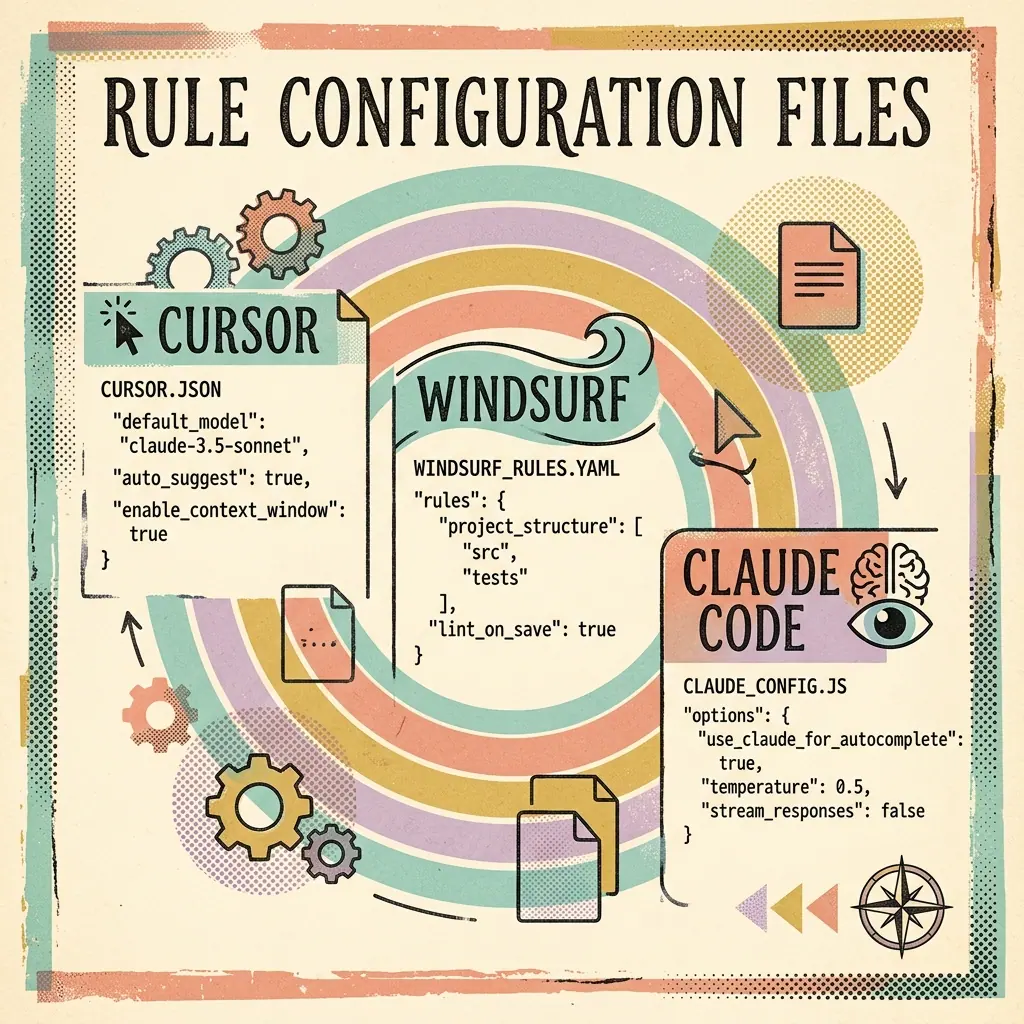
- Choose Cursor for established visual multi-file editing, custom prompt rulefiles (
.cursorrules), and proven developer mindshare. - Choose Windsurf for seamless terminal-integrated agent flows and fast context switching with Cascade.