Understanding spawn ENOENT
When running Model Context Protocol (MCP) servers locally inside Claude Desktop or Cursor, you might see a crash log containing:
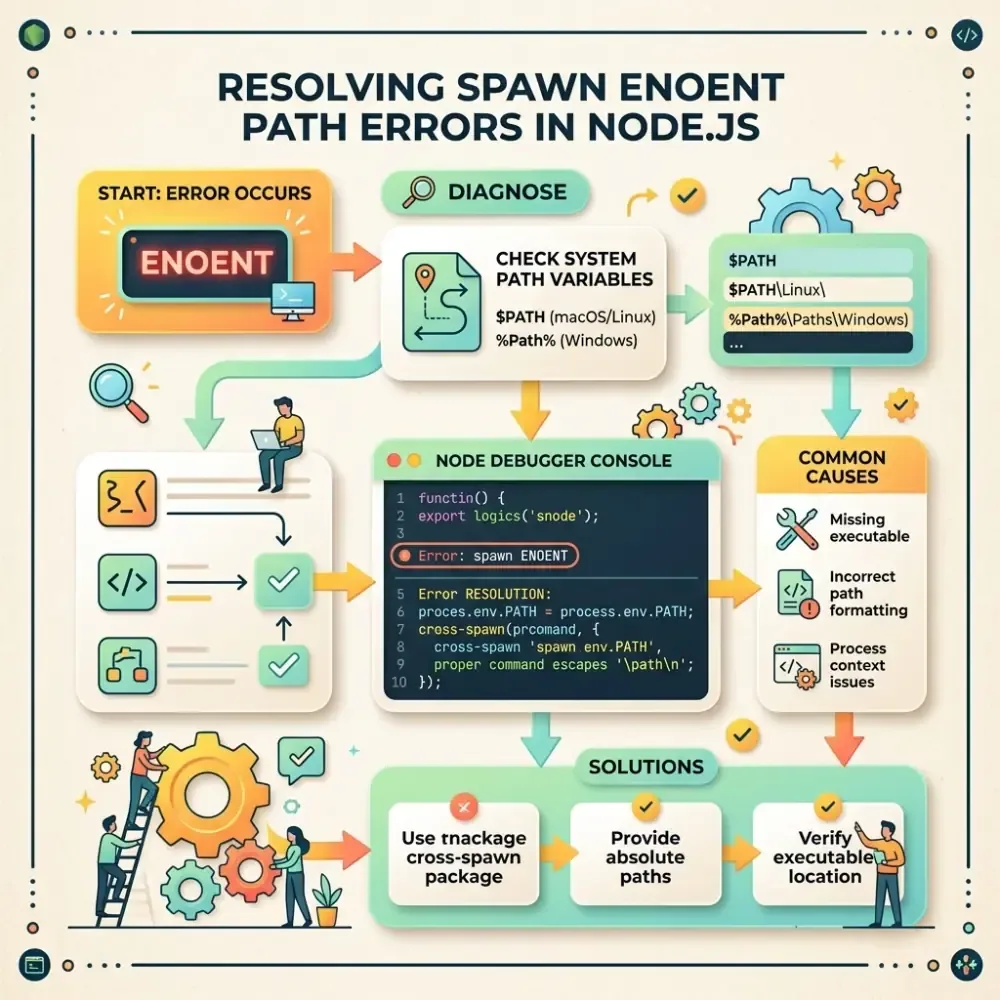
Error: spawn ENOENT
    at Process.ChildProcess._handle.onread (node:internal/child_process:283:18)
    at maybeSpawn (node:internal/child_process:476:16)
    at Object.spawn (node:internal/child_process:575:9)
In Node.js, ENOENT stands for Error No Entry. It means the operating system child process spawn system call could not find the executable binary specified in the command property of your configuration.
Why This Happens in GUI Clients
Even if you can run the MCP server command perfectly in your terminal, the GUI app (Claude Desktop or Cursor) runs in its own window process. The environment variables, specifically the system PATH containing directory pointers to node, npm, npx, or python, might not be inherited correctly when launched from desktop shortcuts or taskbars.
How to Fix It
Solution 1: Use Absolute Executable Paths
Instead of relying on the environment to look up node or npx, provide the absolute path to the executable inside your configuration file:
macOS / Linux
Find the binary path using your shell:
which node
# Output: /usr/local/bin/node
Update your claude_desktop_config.json:
{
  "mcpServers": {
    "my-server": {
      "command": "/usr/local/bin/node",
      "args": ["/absolute/path/to/my-server/index.js"]
    }
  }
}
Windows
In PowerShell, locate Node:
where.exe node
# Output: C:\Program Files\nodejs\node.exe
Update your config using forward slashes or double-escaped backslashes:
{
  "mcpServers": {
    "my-server": {
      "command": "C:/Program Files/nodejs/node.exe",
      "args": ["C:/absolute/path/to/my-server/index.js"]
    }
  }
}
Solution 2: Avoid npx in Config
Using npx directly can spawn a shell wrapper which makes path resolution fragile on Windows and macOS. It is always safer to run the target script using the raw node command or download the package globally and point to its build directory.