Writing layouts, fixing alignment issues, and writing placeholder copy are some of the most time-consuming parts of web design. Instatic CMS—the MIT licensed open-source visual page builder—simplifies this work by integrating an AI co-pilot directly into the editor canvas.
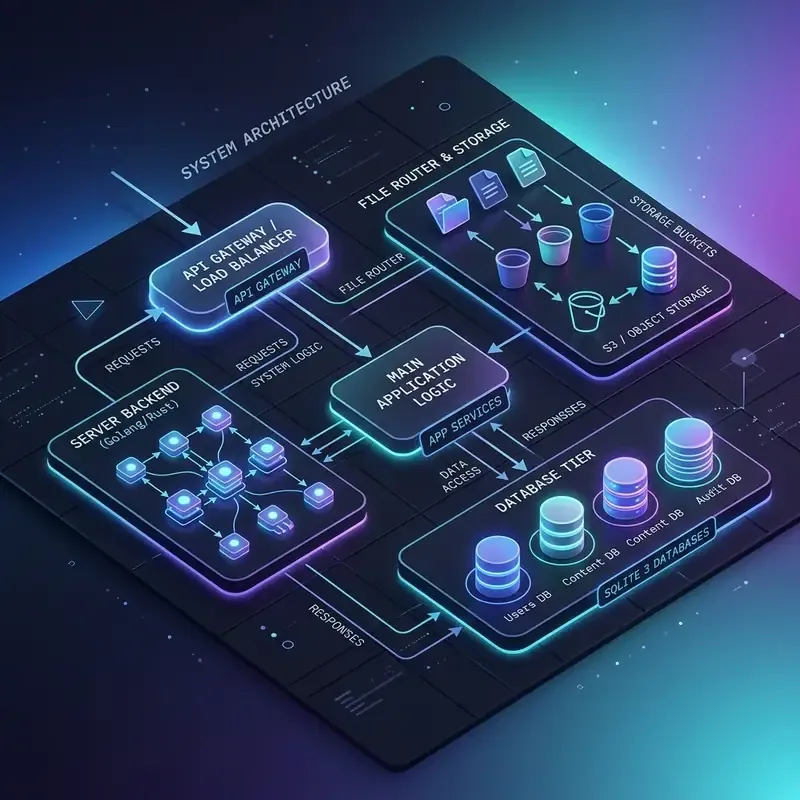
Rather than restricting you to a single provider, Instatic’s Bun-powered server lets you connect your own API keys to utilize models from OpenAI, Anthropic, Open Router, or even run local LLMs. The resulting layout parameters and copywriting choices are written directly to the database backend (SQLite/PostgreSQL) and compiled into raw static markup.
This guide shares system prompts and workflow techniques to help you get the most out of Instatic’s AI assistant.
The AI Canvas Prompt Workflow
Using AI to build layouts works best with a structured, step-by-step approach:
graph LR
    SystemPrompt[1. Set Role Prompt] --> SelectElement[2. Select Canvas Element]
    SelectElement --> Instruction[3. Provide Instruction]
    Instruction --> AIOutput[4. AI Updates CSS & Text]
By selecting a specific element before prompting, you give the AI context about the layout container it is modifying.
Recommended System Prompts
1. The Layout Architect Prompt
Copy and paste this system prompt into the AI configuration dashboard to guide the model when creating grid and flex layouts:
You are a Staff Frontend Engineer specializing in responsive Tailwind-style CSS grids.
When asked to build a layout, output semantic HTML and class properties using system design tokens.
Enforce mobile-first responsiveness: use flex-col on mobile and flex-row on desktop.
2. The Micro-Copy Editor Prompt
Use this prompt to refine marketing copy directly on the page canvas:
You are an expert Copywriter specializing in SaaS landing pages.
When instructed to rewrite selected text, provide concise, high-conversion copy.
Ensure the text does not exceed 120 characters to maintain structural balance.
Editor Video Walkthrough
Watch the AI assistant execute layouts, write copy, and adjust spacing in real time:
Key Takeaways & Alpha Warnings
- Flexible AI Integration: Connect to any model via custom API keys or run local LLMs.
- Context-Aware Styling: Select a canvas element first to guide the AI’s changes.
- Code Generation: Instruct the assistant to write custom styles and components.
- Alpha Warnings: Given the early alpha status of Instatic, AI-generated styles should be regularly audited in the Selector Manager to prune redundant utility classes.