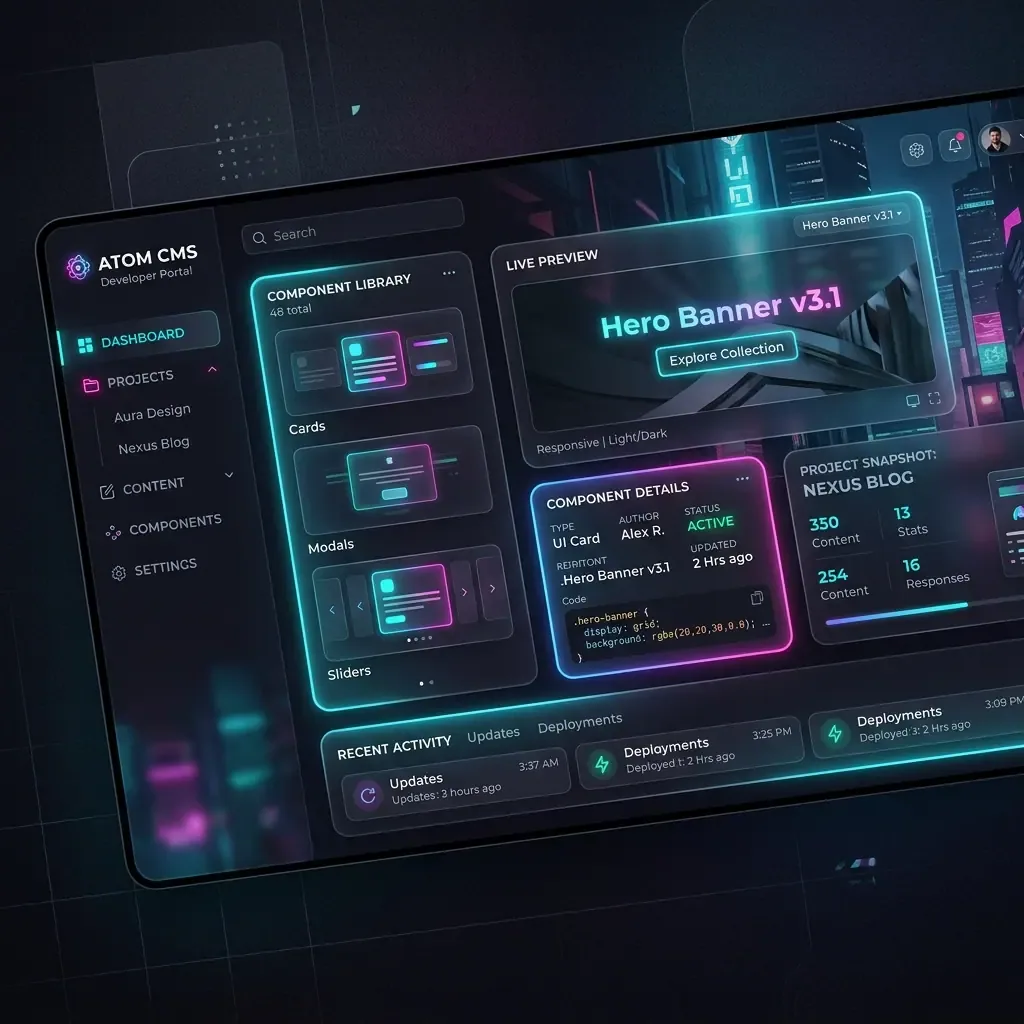
Deploying a local visual CMS makes template customization faster and keeps database files secure on your host machine. In this tutorial, we will walk you through the complete setup of Instatic CMS—the MIT licensed open-source visual page builder—on your local machine using the Bun runtime.
Technical Architecture Overview
Before starting the installation, it helps to understand the local runtime stack of Instatic:
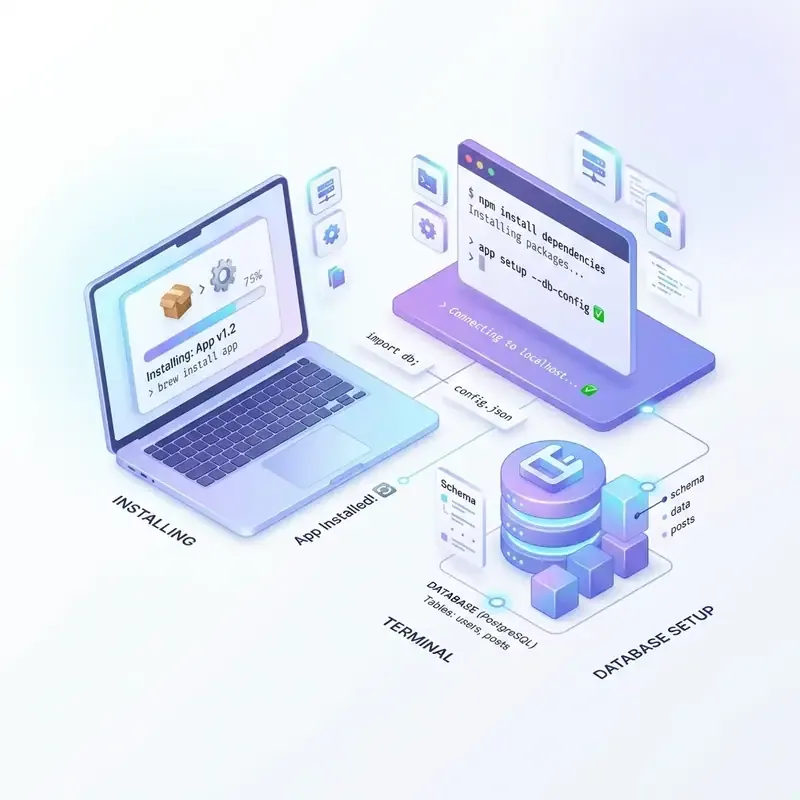 Figure 1: Core interaction model between Bun, VS Code terminal, and the SQLite local database file.
Instatic uses Bun to compile scripts and save site configurations to a database backend. By default, local installations run on SQLite, compiling site configuration matrices into a single local file.
Step-by-Step Local Setup
1. Clone the Repository
Open your terminal or Visual Studio Code, select your target workspace folder, and clone the official repository:
git clone https://github.com/CoreBunch/Instatic.git2. Install the Bun Runtime
Instatic is designed around Bun’s high-speed bundler and TypeScript runtime. Depending on your operating system, execute the following command:
macOS & Linux
curl -fsSL https://bun.sh/install | bashWindows PowerShell
powershell -c "irm bun.sh/install.ps1 | iex"Once installed, verify that the environment variables are active by checking the version tag:
bun -vInitializing the Local Server
Navigate into your cloned folder and run the package installer:
cd Instatic
bun install
Once the dependencies load, start the local development server:
bun run dev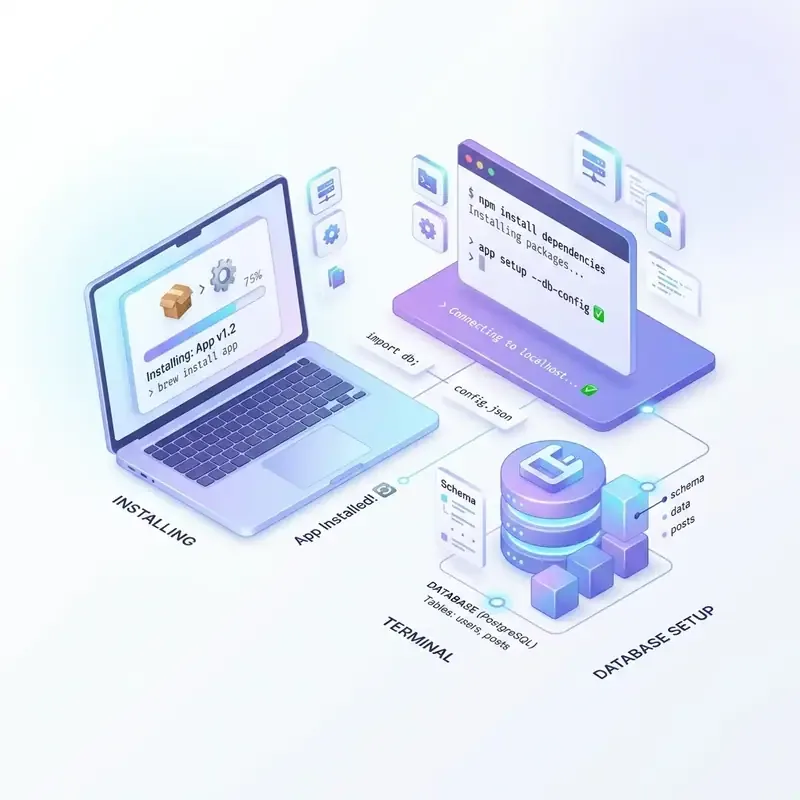 Figure 2: Console output upon successfully booting the local server.
Open your web browser and navigate to the address shown in the terminal (usually http://localhost:3000). Follow the setup wizard to configure your site name, database driver (choose SQLite for local development, or configure PostgreSQL parameters), administrator email, and master password.
Key Takeaways & Alpha Warnings
- Ultra-fast setup: Bun dependency resolving takes seconds compared to standard npm configurations.
- SQLite Defaults: Database tables compile automatically inside a local DB file upon initialization.
- Alpha Warning: Since the project is in early alpha status, verify visual canvas imports locally and back up SQLite files regularly before considering staging deployments.