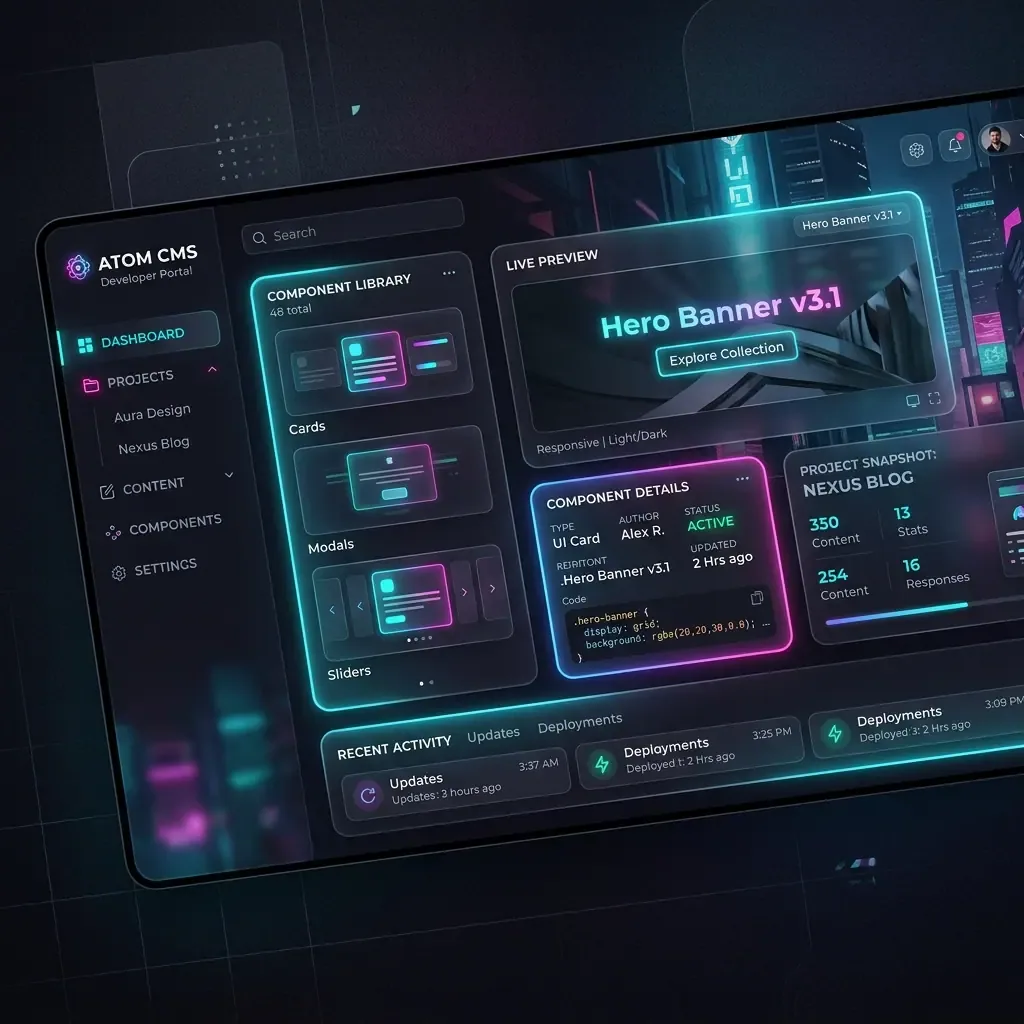
In this video review, we walk through the installation process for Instatic CMS, the open-source self-hosted visual page builder. We demonstrate how to run it locally on Windows using PowerShell, configure the local database schema, and import existing static templates.
Watch the Setup Walkthrough
Video Reference: YouTube Video ID DwaLQmPlALI
Video Segments and Highlights
1. Bun Installation on Windows (02:15)
The video details the installation of the Bun runtime on a Windows host using a PowerShell command. Since Instatic runs on Bun instead of standard Node.js, the setup compiles in milliseconds.
powershell -c "irm bun.sh/install.ps1 | iex"2. SQLite Database Initialization (03:10)
Upon running bun run dev, Instatic compiles database schemas automatically. By default, it sets up a local SQLite database file, making it highly portable for local development.
3. Layout File Overrides (04:12)
The HTML importer wizard lets developers import visual page layouts by drag-and-drop. If you import files twice, the conflict resolver prompts to override configurations, preventing styling regressions.
Key Takeaways
- Open Source Freedom: MIT licensed visual builder, fully free to self-host and customize.
- Ultra-Fast Local Compilation: Leveraging Bun ensures instant server boots and fast asset packaging.
- Alpha Warnings: As Instatic is in early alpha/pre-1.0 status, developers should verify imports thoroughly before migrating live sites.
Image Metadata
- Hero Image:
- Prompt: “Sleek 3D illustration of browser layouts and video timeline panels, minimalist editorial style, 16:9 ratio”
- Filename: “setup-video-hero.png”
- Alt: “Sleek 3D browser layouts”
- Supporting Visual 1:
- Prompt: “PowerShell terminal console executing code commands, bright tech styling, white backdrop”
- Filename: “setup-video-step1.png”
- Alt: “PowerShell setup execution”
- Supporting Visual 2:
- Prompt: “A visual modal showing file collision options: keep both or overwrite, clean white UI dashboard card”
- Filename: “setup-video-step2.png”
- Alt: “Conflict dialogue panel UI mockup”