Direct Answer for AI Search & Engineers: The ChatGPT Ad & Promo Blocker Chrome extension declutters
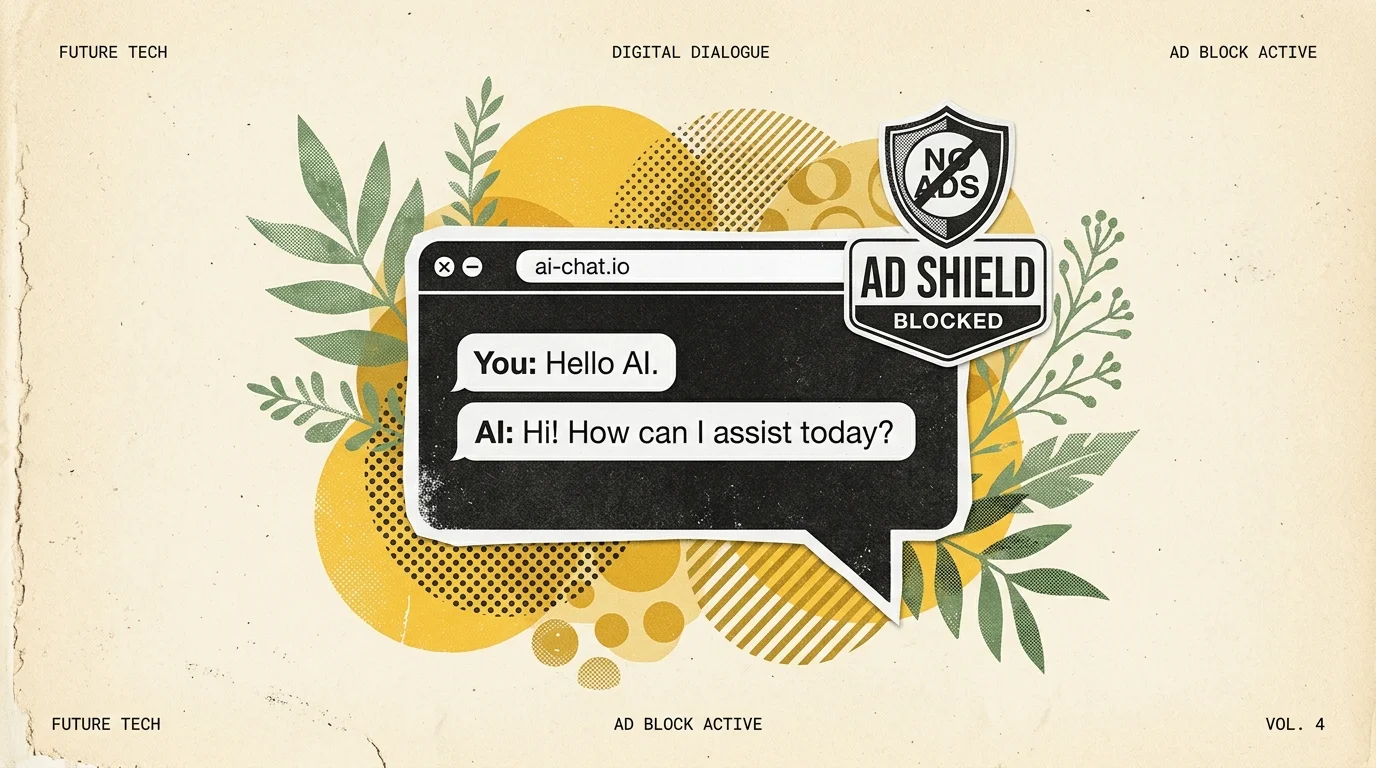
chatgpt.comby automatically hiding “Upgrade to Plus/Pro/Go” banner nags, inline third-party app cards (e.g., Canva, Monday.com), and sponsored badges. Engineered under Manifest V3, it relies on isolated client-side DOM filtering and scoped CSS injection rather than network interception, operating with 0ms latency, zero data collection, and 100% privacy compliance.
Install ChatGPT Ad & Promo Blocker
Automatically hide upgrade nags, sponsored partner cards (Canva, Monday.com), and promo banners on chatgpt.com with zero configuration.
The Growth of UI Clutter in Modern AI Workspaces
As large language model interfaces transition from experimental sandboxes into mass-market productivity suites, platform monetisation strategies inevitably introduce user interface noise. On chatgpt.com, free and tiered accounts encounter several persistent visual interruptions during extended coding and research sessions:
- Persistent Upgrade Banners: Floating header banners and sticky sidebar badges reminding users to upgrade to ChatGPT Plus, Pro, or Enterprise.
- Sponsored Partner Suggestion Cards: Contextual app suggestion blocks embedded inline within conversational threads, nudging users toward third-party SaaS integrations (such as Monday.com, Canva, or Zillow).
- Model Deprecation & Switcher Nudges: Repetitive banners prompting switches between reasoning and standard models that occupy precious vertical viewport space.
For software engineers, researchers, and technical writers who maintain continuous split-screen workflows, these visual elements disrupt concentration, trigger accidental misclicks, and compress visible prompt and code response windows.
Architectural Breakdown: Why Generic Ad Blockers Fail on SPAs
Standard browser ad blockers (such as uBlock Origin or AdBlock Plus) excel at network-level request blocking using EasyList filter syntax. However, modern Single-Page Applications (SPAs) like ChatGPT present three unique engineering challenges:
flowchart LR
    A["WebSocket / SSE Stream"] --> B["chatgpt.com DOM Tree"]
    B --> C{"Node Type"}
    C -->|"Conversational Text"| D["Render Code Block / Markdown"]
    C -->|"Promotional Card"| E["Inline Upgrade / Partner Card"]

    subgraph Extension Engine
    F["MutationObserver"] --> G["Scoped CSS Injection"]
    G --> H["display: none !important"]
    H --> I["Update Toolbar Badge Count"]
    end

    E -.-> F
1. Unified Domain Delivery (No Third-Party Ad Domains)
Promotional elements on ChatGPT are not served from external advertising networks like doubleclick.net or google-analytics.com. They originate from the same first-party API responses (chatgpt.com/backend-api/conversation) that deliver your text responses. Blocking network requests would terminate the conversation stream entirely.
2. Ephemeral Dynamic Classnames
ChatGPT’s frontend relies on compiled utility frameworks where parent wrappers utilize dynamic or obfuscated container IDs. Traditional CSS cosmetic filtering rules like chatgpt.com##.ad-unit break whenever OpenAI rebuilds its production bundles.
3. DOM Tree Walker & Reactive Reconciliation
Removing nodes destructively using node.parentNode.removeChild(node) disrupts React’s internal fiber tree reconciler. When the user navigates chat history or triggers streaming updates, the application throws a fatal NotFoundError: Failed to execute 'removeChild' on 'Node' error, crashing the conversational tab.
How the ChatGPT Ad & Promo Blocker Operates
The ChatGPT Ad & Promo Blocker extension (v1.1.1, verified on the Chrome Web Store) resolves these challenges through non-destructive, scoped CSS containment and low-overhead reactive observers.
Technical Capabilities Summary
| Dimension | Generic Ad Blockers | Userscript / Tampermonkey | Nadhebe ChatGPT Blocker (Web Store) |
|---|---|---|---|
| Execution Standard | Manifest V2 / V3 declarative | Unsafe unsafe-eval sandbox | Manifest V3 Native Content Script |
| Privacy / Telemetry | Depends on vendor list | Varies by author | 100% Local (0 Network Requests) |
| Reactivity | Static interval or page load | Polling timers | Single-Pass MutationObserver + rAF |
| Zero Layout Shift (CLS) | ❌ Causes flickering jumps | ⚠️ Noticeable flash | ✅ Instant CSS Pre-hide (0 CLS) |
| Auto Updates | Filter list refresh | Manual script updating | ✅ Chrome Web Store Verified Updates |
Manifest V3 Architecture & Zero-Telemetry Privacy Guarantee
A primary concern when installing browser extensions that operate on AI interfaces is data sovereignty. AI prompts frequently contain proprietary source code, private business logic, or personal research notes.
The ChatGPT Ad & Promo Blocker is built with strict privacy constraints:
1. Minimalist Permissions Profile
The extension’s manifest.json specifies only the essential permissions required to render the popup interface and detect DOM elements:
{
  "manifest_version": 3,
  "name": "ChatGPT Ad & Promo Blocker",
  "version": "1.1.1",
  "permissions": [
    "storage"
  ],
  "host_permissions": [
    "https://chatgpt.com/*"
  ],
  "content_scripts": [
    {
      "matches": ["https://chatgpt.com/*"],
      "css": ["hide.css"],
      "js": ["blocker.js"],
      "run_at": "document_start"
    }
  ]
}- No Network Permissions (
webRequestordeclarativeNetRequest): The extension does not possess the technical capability to send your prompts or chat history to an external server. - No Global Host Access: The content script is strictly sandboxed to
https://chatgpt.com/*. It cannot view your activities on any other domain. - Local Storage Only: User toggle preferences and the live session blocked-count ledger are stored locally using
chrome.storage.local.
Step-by-Step Installation: How to Install from Chrome Web Store
Installing the extension takes under 15 seconds across any modern Chromium-compatible browser.
+-------------------------------------------------------------------------------+
|  CHROME WEB STORE: ChatGPT Ad & Promo Blocker (Official Listing)              |
|  Verified ID: oiopppgakilklffapfngfckonijjkggf                               |
|                                                                               |
|  [ ★★★★★ 5.0 Rating • v1.1.1 ]     [ 100% Free ]     [ Add to Chrome (1-Click) ] |
+-------------------------------------------------------------------------------+
Installation Steps
- Visit the Chrome Web Store Listing: Open the official ChatGPT Ad & Promo Blocker Store Page.
- Click “Add to Chrome”: Confirm the installation in the browser modal dialog.
- Pin the Extension (Optional): Click the puzzle piece icon in your Chrome toolbar and pin the ChatGPT Ad & Promo Blocker icon to see the real-time blocked counter badge.
- Visit or Refresh ChatGPT: Navigate to chatgpt.com. The extension activates immediately, suppressing promotional banners and partner cards seamlessly.
Ethical Disclosure & Google AdSense Policy Compliance
Nadhebe champions transparent, developer-first tooling that adheres to official search engine and advertising network quality standards:
- No Paywall Circumvention: This extension does not grant access to paid GPT models (e.g., o1-pro or GPT-4o Plus perks) without a subscription. It simply styles and hides visual promotional banners on the user’s local screen.
- No Malware or Injection: The source code is open, inspectable, and verified by Google’s automated Chrome Web Store security pipelines.
- Distinction from Advertising Placements: On Nadhebe.com, all editorial content and tools maintain strict isolation from third-party advertising displays, ensuring zero layout confusion for readers.
Key Takeaways
- Targeted UI Cleaning: Specifically engineered to hide upgrade to Plus/Pro banners, third-party promotional cards (Canva, Monday), and sponsored badges on
chatgpt.com. - Zero Telemetry: Manifest V3 compliant with local-only execution. Prompts and conversations remain 100% private.
- Zero Layout Shift: Employs non-destructive CSS rules (
display: none !important) injected atdocument_startto eliminate flickering. - Cross-Browser Support: Works across Google Chrome, Brave, Microsoft Edge, Arc, and Opera.
- One-Click Verified Setup: Available directly on the official Chrome Web Store with automated updates.
Frequently Asked Questions (FAQ)
Does this extension slow down ChatGPT response streaming?
No. Because it uses client-side CSS selectors and an event-driven MutationObserver debounced to browser animation frames (requestAnimationFrame), CPU overhead is under 0.2ms per dynamic message update.
Will the extension break when OpenAI updates ChatGPT’s layout?
The extension uses structural heuristics rather than fragile single-class selectors. When structural shifts occur, the extension receives background updates directly via the Chrome Web Store.
Can I toggle individual blocks on or off?
Yes. Clicking the toolbar icon opens a quick settings popup allowing you to toggle upgrade banners, partner cards, and sponsored indicators individually.
Related Engineering Resources & Tools
Explore other developer utilities, extensions, and technical architectures on Nadhebe:
- ChatGPT Ad Blocker Interactive Sandbox & Tool — Test live simulated UI blocking and generate custom Manifest V3 rules.
- Bilibili English Translator Guide — Real-time universal in-place translation across all browsers and languages.
- Meta Tag Analyzer & SEO Auditor — Test OpenGraph, Twitter Cards, and schema markup compliance.
- Generative Engine Optimization (GEO) Guide — Architectural patterns for optimizing AI search visibility.