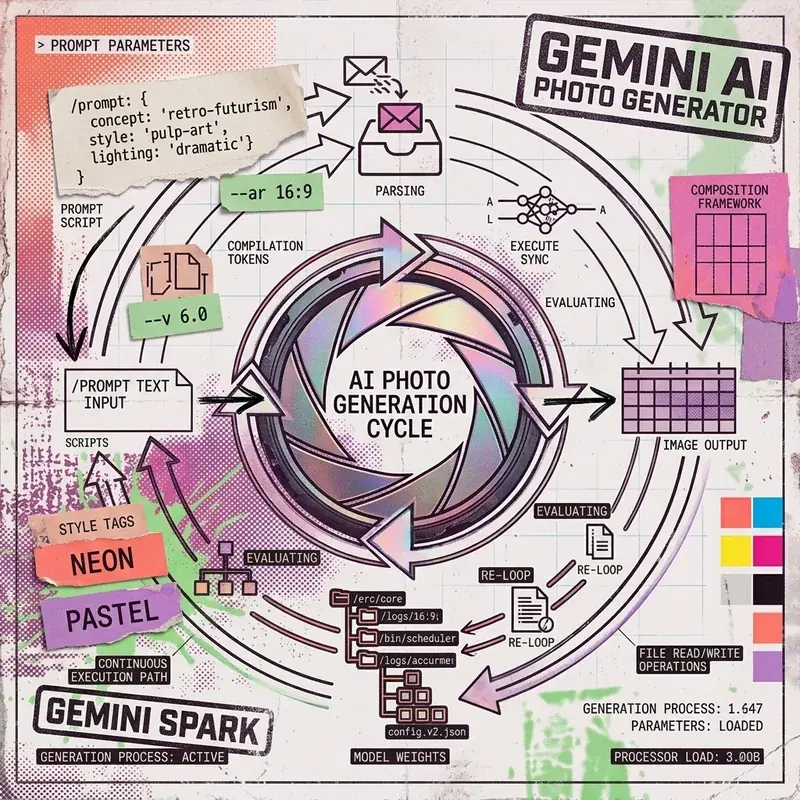
Google Gemini incorporates Imagen 3, Google’s most capable text-to-image generation model. It allows users to generate photorealistic images, editorial graphics, UI mockups, and artistic illustrations directly within the Gemini interface or via API.
How to Access Image Generation in Gemini
- Navigate to gemini.google.com.
- In the text prompt box, type
Create an image of...orGenerate a photo of.... - Press Enter to render high-resolution 1024x1024 visual outputs.
Prompt Engineering for Photorealism
To achieve photorealistic results, structure your prompt with Subject + Lighting + Camera Lens + Composition + Style:
Recommended Prompt Structure
Photorealistic cinematic portrait of an AI engineer working in a modern glass studio, soft golden hour sunlight filtering through blinds, shot on 85mm f/1.4 lens, shallow depth of field, subtle film grain, 8k resolution.Key Style Modifiers
- Lighting:
Golden hour sunlight,soft studio softbox,neon cyberpunk glow,dramatic rim lighting. - Camera Gear:
85mm f/1.8 prime lens,35mm street photography,macro 100mm details. - Render Style:
Editorial paper collage,vector flat illustration,isometric 3D render.
Image Generation via Gemini API
Developers can generate images programmatically using the Python SDK:
import os
from google import genai
from google.genai import types

client = genai.Client(api_key=os.environ["GEMINI_API_KEY"])

result = client.models.generate_images(
    model='imagen-3.0-generate-002',
    prompt='Minimalist vector logo of a glowing blue hummingbird, white background',
    config=types.GenerateImagesConfig(
        number_of_images=1,
        output_mime_type="image/jpeg",
        aspect_ratio="1:1"
    )
)

for generated_image in result.generated_images:
    with open("output.jpg", "wb") as f:
        f.write(generated_image.image.image_bytes)
FAQ
Can Gemini generate images for free?
Yes. Standard Gemini web users can generate images for free using Imagen 3 model capabilities.
What aspect ratios are supported?
Imagen 3 supports 1:1 (square), 16:9 (widescreen), 9:16 (vertical mobile), 4:3, and 3:4.