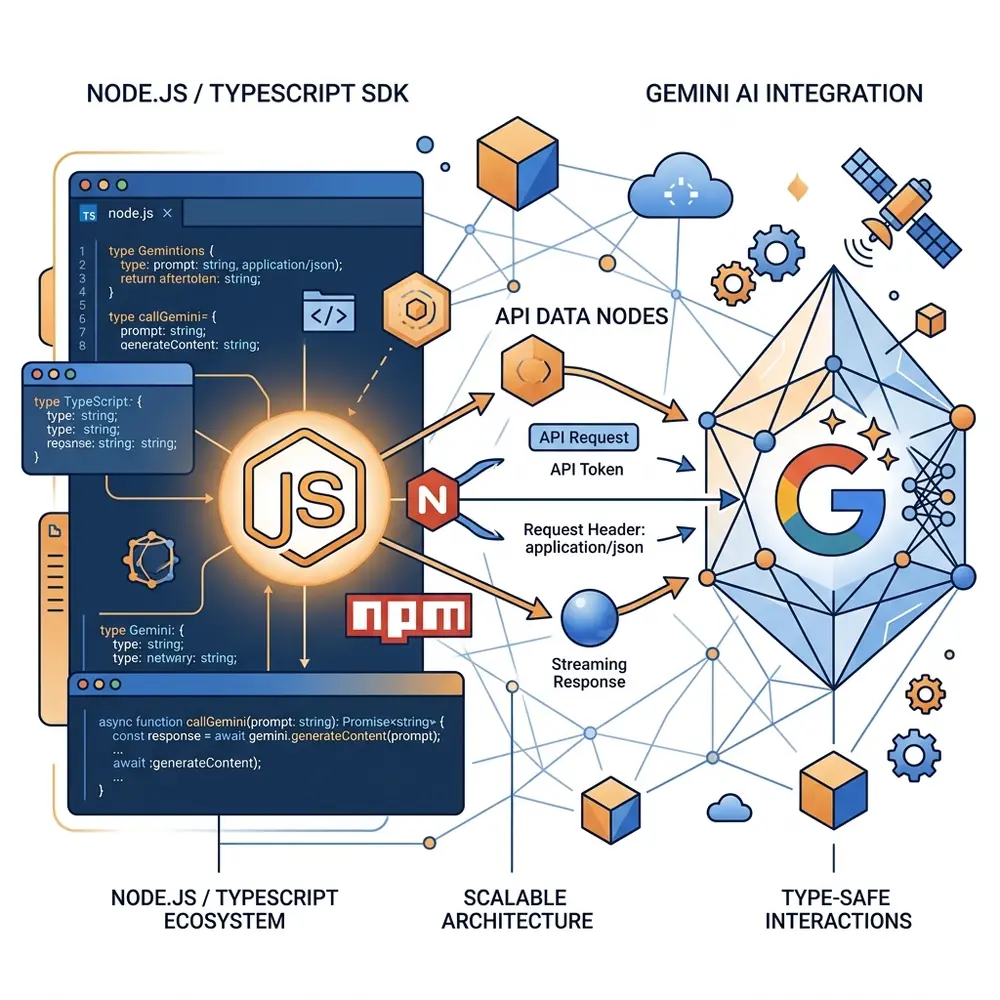
Google’s @google/genai npm library brings native TypeScript support, automatic streaming iterators, and function calling capabilities to Node.js backends and web applications.
Installation
npm install @google/genai zod1. Asynchronous Text Completion
import { GoogleGenAI } from '@google/genai';

const ai = new GoogleGenAI({ apiKey: process.env.GEMINI_API_KEY });

async function run() {
  const response = await ai.models.generateContent({
    model: 'gemini-2.0-flash',
    contents: 'Write a TypeScript interface for a user profile.',
  });

  console.log(response.text);
}

run();
2. Multi-Turn Conversational Chat
const chat = ai.chats.create({
  model: 'gemini-2.0-flash',
  config: {
    systemInstruction: 'You are a helpful senior TypeScript architect.',
  },
});

let response = await chat.sendMessage({ message: 'Hi, what is Astro SSR?' });
console.log(response.text);

response = await chat.sendMessage({ message: 'How do islands work in Astro?' });
console.log(response.text);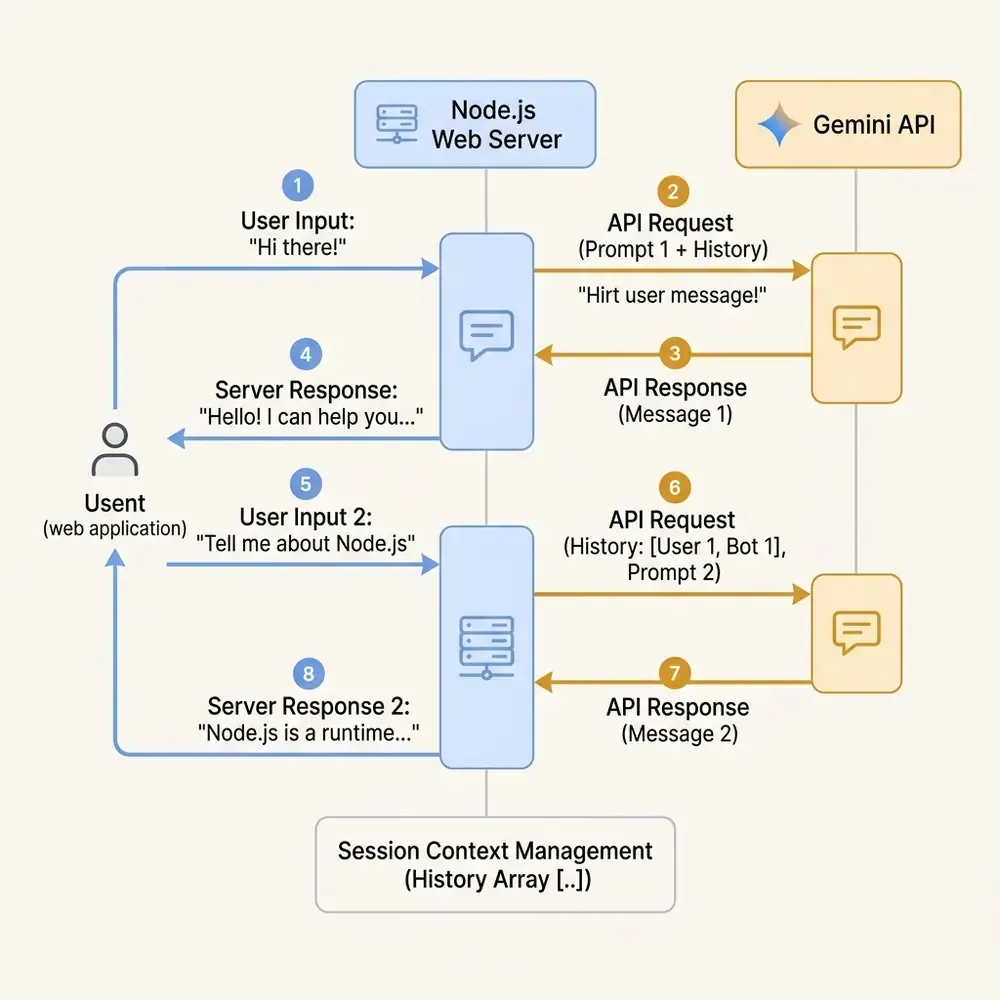
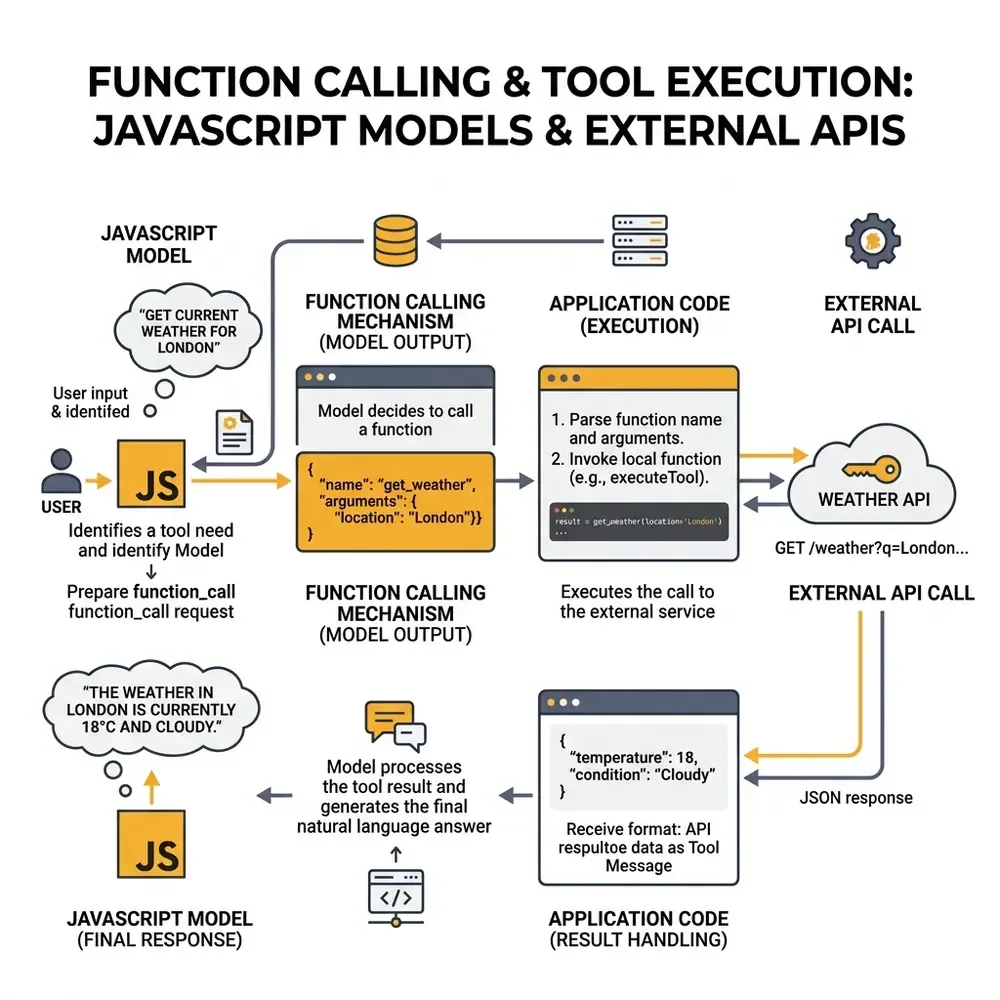
3. Function Calling (Tool Integration)
Give Gemini the ability to execute JavaScript functions:
const fetchWeather = {
  name: 'getWeather',
  description: 'Get current weather temperature for a city',
  parameters: {
    type: 'OBJECT',
    properties: {
      location: { type: 'STRING' },
    },
    required: ['location'],
  },
};

const response = await ai.models.generateContent({
  model: 'gemini-2.0-flash',
  contents: 'What is the temperature in San Francisco?',
  config: {
    tools: [{ functionDeclarations: [fetchWeather] }],
  },
});

if (response.functionCalls) {
  console.log('Tool Invoked:', response.functionCalls[0]);
}
Summary
- Use
@google/genaifor full TypeScript auto-completion. - Maintain chat history effortlessly with
ai.chats.create().