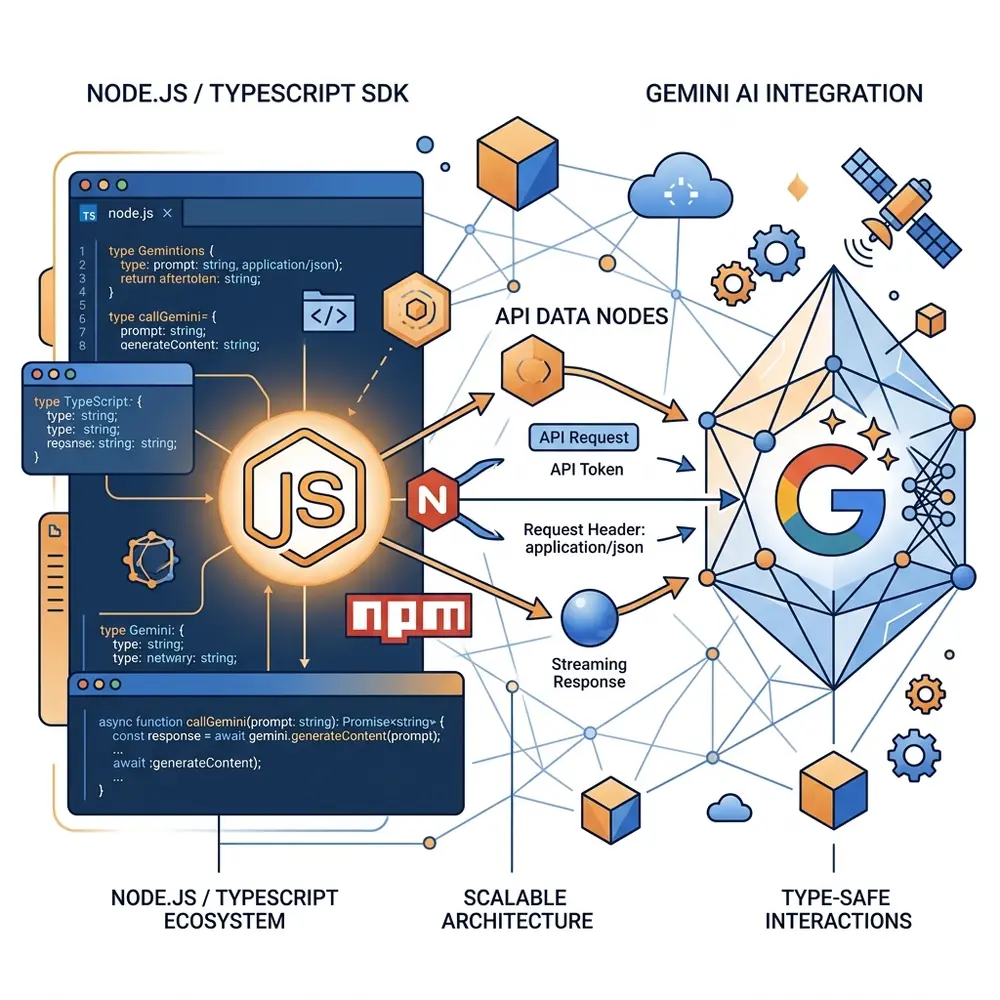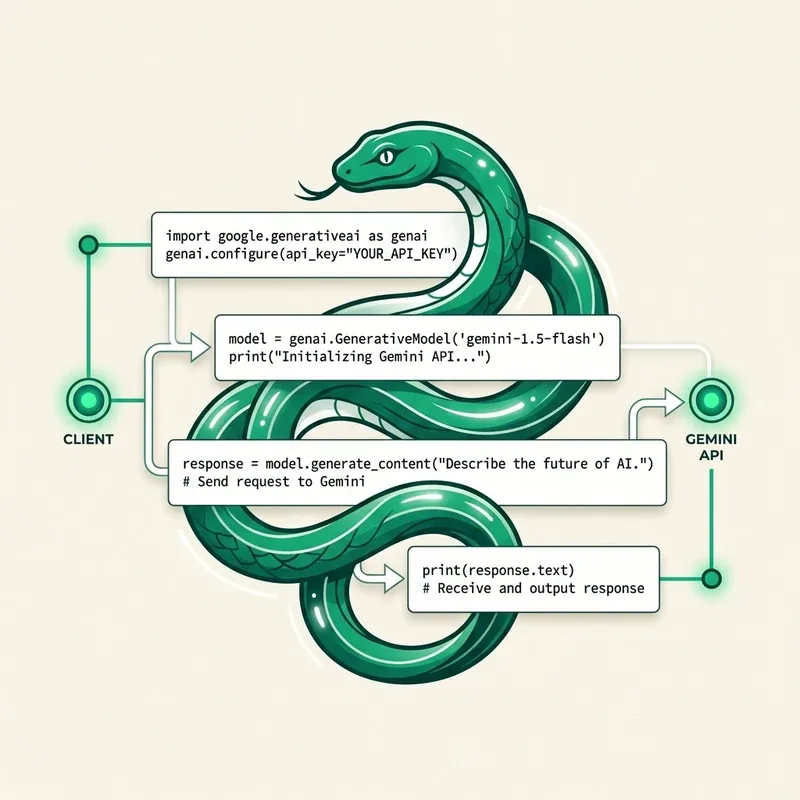
When integrating the Google Gemini API in Node.js, Python, or curl requests, developers often encounter common API authentication or quota errors. This guide outlines the exact causes and step-by-step solutions for resolving each error.
1. Error: 403 Forbidden / API_KEY_INVALID
Cause
Your API key string is incorrect, has been deleted in Google AI Studio, or has restrictive HTTP referrer / IP restrictions configured in Google Cloud Console that block your server.
Fix
- Open Google AI Studio -> Get API Key.
- Confirm the key status is Active.
- If using
.envfiles, verify there are no trailing spaces or missing quotes around your key:
# Correct
GEMINI_API_KEY="AIzaSyYourExactKey"

# Incorrect (extra space)
GEMINI_API_KEY= "AIzaSyYourExactKey "
2. Error: 429 RESOURCE_EXHAUSTED / Quota Exceeded
Cause
You have exceeded your assigned Requests Per Minute (RPM), Tokens Per Minute (TPM), or Requests Per Day (RPD) for the Free Tier.
Fix
Implement exponential backoff retry logic in your code:
import { GoogleGenAI } from '@google/genai';

async function generateWithRetry(prompt: string, maxRetries = 3) {
  const ai = new GoogleGenAI({ apiKey: process.env.GEMINI_API_KEY });
  let delay = 1000;

  for (let i = 0; i < maxRetries; i++) {
    try {
      return await ai.models.generateContent({
        model: 'gemini-2.0-flash',
        contents: prompt,
      });
    } catch (err: any) {
      if (err?.status === 429 && i < maxRetries - 1) {
        console.warn(`Rate limited. Retrying in ${delay}ms...`);
        await new Promise((res) => setTimeout(res, delay));
        delay *= 2; // Exponential backoff
      } else {
        throw err;
      }
    }
  }
}
3. Error: INVALID_ARGUMENT / Model Not Found
Cause
Specifying a deprecated model string (e.g. gemini-pro-vision or legacy model name) instead of current valid API model aliases.
Fix
Use modern model string aliases:
// Recommended model strings in 2026:
const MODEL_FLASH = 'gemini-2.0-flash';
const MODEL_PRO = 'gemini-1.5-pro';