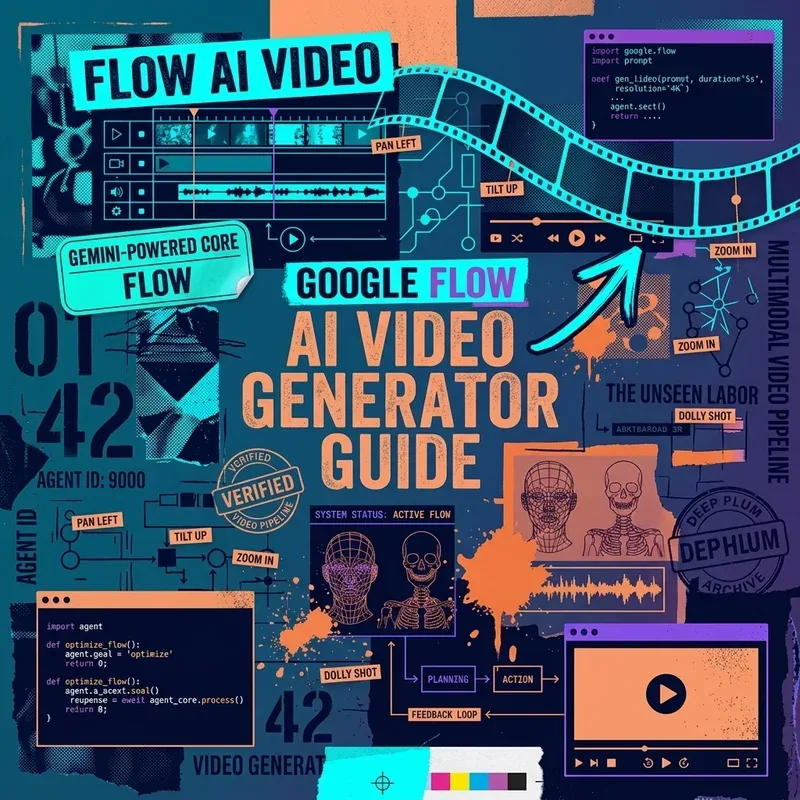
Google Flow is Google’s web-based pre-production studio for AI video generation and storyboarding. Built on Google’s Veo generative video models, Flow allows filmmakers and content creators to turn script prompts into consistent video clips, scene storyboards, and camera movements.
Core Capabilities of Google Flow
- Text-to-Video Generation: Generate 1080p high-framerate 4-second video clips from natural language descriptions.
- Image-to-Video Animating: Upload reference concept art or hero photos to control character consistency.
- Camera Motion Controls: Specify precise camera movements such as
orbit right,drone push-in, orwhip pan. - Multi-Shot Storyboard Timeline: Organize individual generated clips into a cohesive timeline for export.
Step-by-Step Workflow Tutorial
Step 1: Initialize a New Storyboard Project
- Log in to flow.google.com.
- Click New Sequence and select aspect ratio (
16:9for landscape cinema or9:16for mobile reels).
Step 2: Crafting Cinematic Camera Prompts
Structure your video prompt using Subject + Motion + Lighting + Camera Rig:
A futuristic electric hypercar speeding down a neon rainy Tokyo street at night, camera tracking closely alongside at wheel height, wet asphalt reflection, cinematic 24fps film look.Step 3: Scene Continuity & Keyframe Anchoring
To maintain character consistency across shots:
- Generate your initial hero frame.
- Select Lock Keyframe Character.
- Type the next action prompt (e.g.
Character turns around and looks toward the horizon). Flow preserves character facial structure across clips.
Summary Checklist
- Use Veo model integration for high-definition video output.
- Anchor keyframes to maintain visual consistency across scenes.
- For complete script uploads, custom character anchoring, and troubleshooting, read How to Use Google Flow Storyboard Studio and our Missing Script & Render Fix Guide.
- Export timeline sequences directly to MP4 or Premiere Pro XML files.