How to Fix Common Meta Tag Errors: Audit & Resolution Guide
Incorrect HTML head metadata can severely hurt a site’s search visibility, lead to duplicate content penalties, and cause embarrassing broken image previews when pages are shared on social media.
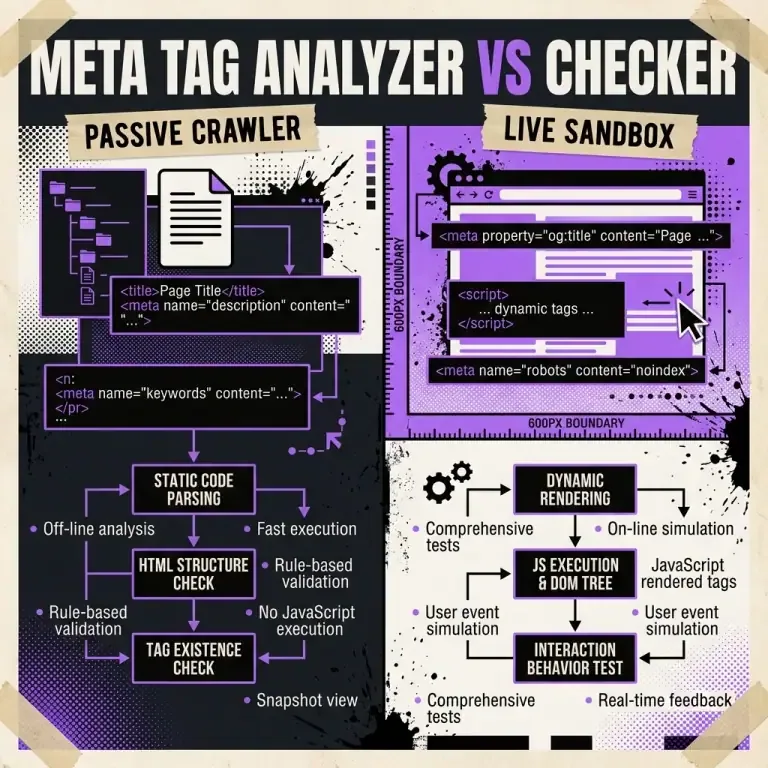
This guide identifies the top 5 common meta tag errors and provides actionable code fixes using our client-side Meta Tag Analyzer.
Top 5 Common Meta Tag Errors & Solutions
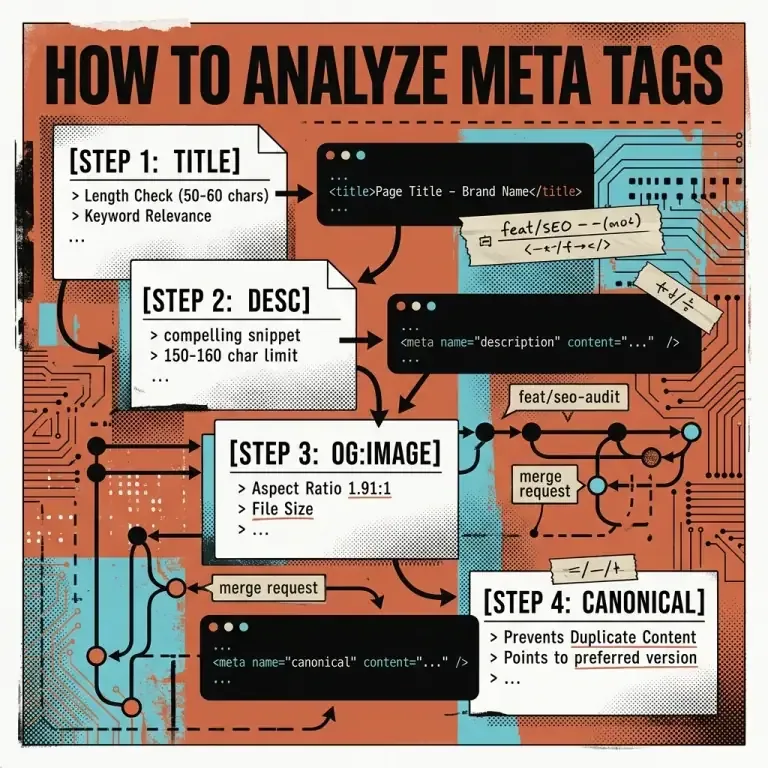
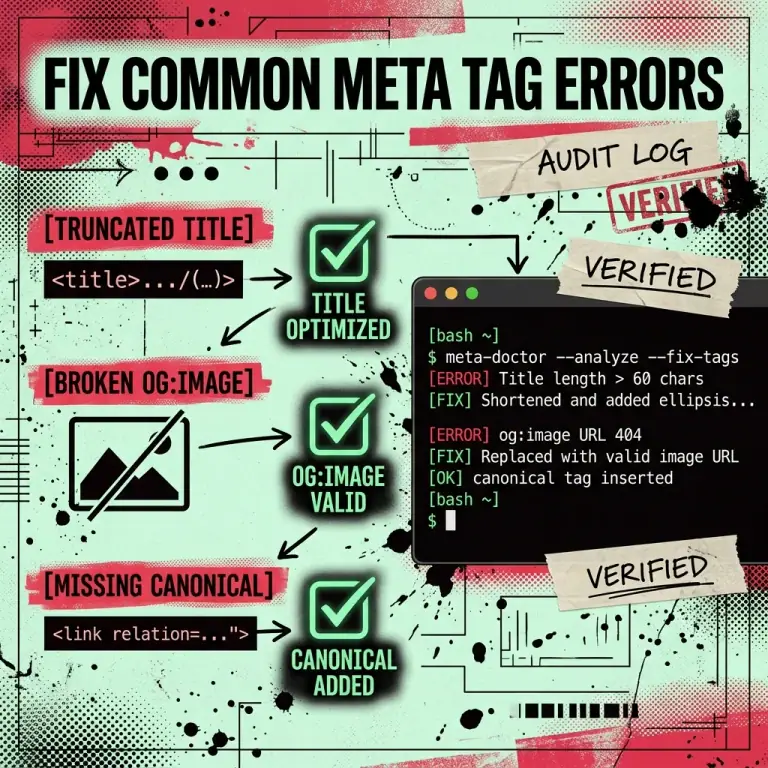
1. Title Tag Truncation (Exceeding ~60 Characters)
- The Issue: Title tags over 60 characters (or 600 pixels) are truncated by Google, replacing key words with
.... - The Fix: Trim filler words and place core keywords first. Use our Meta Tag Analyzer to verify character length before deploying.
2. Relative URLs in og:image Tags
- The Issue: Using relative paths like
og:image="/images/hero.jpg"causes social bots (Slack, Discord, LinkedIn) to fail image fetching. - The Fix: Always provide absolute URLs including protocol:
https://nadhebe.com/images/hero.jpg.
3. Missing or Misconfigured Canonical Tags
- The Issue: Query parameters (
?ref=twitteror?page=1) cause crawlers to treat duplicate views as separate thin pages. - The Fix: Include a self-referencing canonical tag pointing to the clean canonical URL:
<link rel="canonical" href="https://nadhebe.com/tools/meta-tag-analyzer/" />
4. Multiple <title> Tags in HTML Head
- The Issue: Dynamic component frameworks (Astro, Next.js, React Helmet) can accidentally inject multiple
<title>nodes. - The Fix: Audit your layout wrapper templates to ensure only one root
<title>tag exists.
5. Missing twitter:card Property
- The Issue: If
twitter:cardis omitted, X (Twitter) defaults to a small square thumbnail instead of a full-width banner. - The Fix: Add
<meta name="twitter:card" content="summary_large_image" />.
Resolution Matrix
| Error | Root Cause | Impact | Recommended Solution |
|---|---|---|---|
| Title Truncation | > 60 chars / > 600px | Lower CTR in SERPs | Shorten title to 50–60 characters |
| Broken og:image | Relative URL path | Plain text social shares | Convert to absolute https:// URL |
| Duplicate Content | Missing canonical tag | Lower domain authority | Add self-referencing rel="canonical" |
| Small Twitter Card | Missing twitter:card | Low social engagement | Set twitter:card = summary_large_image |
Troubleshooting Workflow
graph TD
    A["Meta Tag Error Detected"] --> B{"Identify Issue Type"}
    B -->|Title Truncation| C["Shorten to 50-60 chars"]
    B -->|Broken Image Preview| D["Convert og:image to Absolute https:// URL"]
    B -->|Duplicate Content| E["Add rel='canonical' Link"]
    C --> F["Validate in Meta Tag Analyzer"]
    D --> F
    E --> F
    F --> G["Deploy Clean Code to Production"]
Frequently Asked Questions
How long does it take for social platforms to update cached meta tags?
Platforms like LinkedIn and X cache metadata for 24–48 hours. Use their official post inspector tools to clear URL caches after deploying fixes.
Can I test fixes before pushing to production?
Yes. Copy your updated metadata into our client-side Meta Tag Analyzer to verify character limits and card previews locally.
References
- Google Search Central — Title and Snippet Optimization: https://developers.google.com/search/docs/appearance/title-link
- Twitter Developer Documentation — Cards Markup: https://developer.twitter.com/en/docs/twitter-for-websites/cards/overview/markup