First Look: Google Flow’s New Storyboard Studio Addition
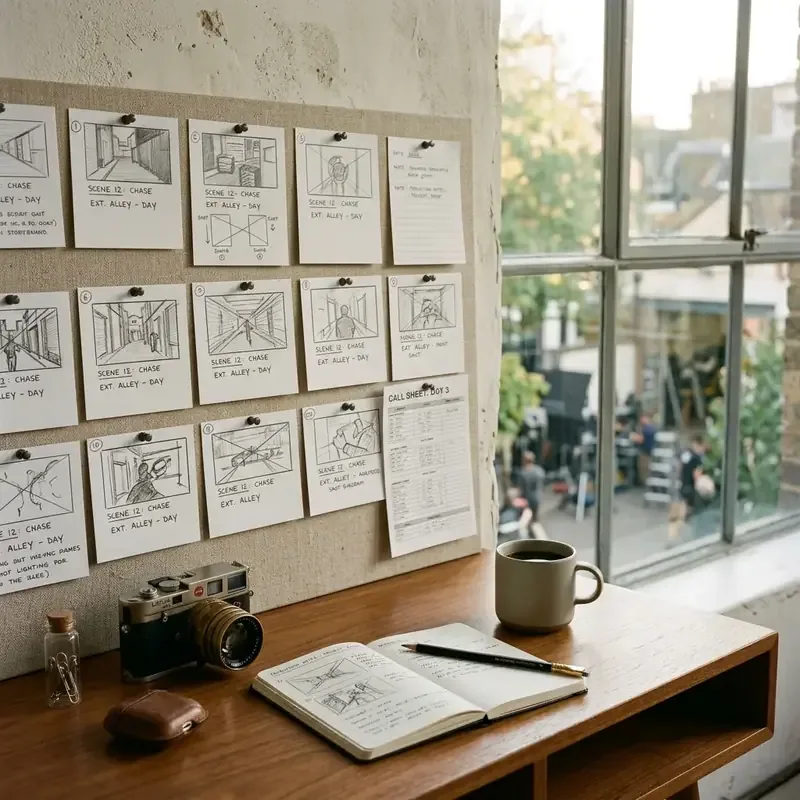
Google Flow has expanded its experimental creator toolkit in Google Labs with the launch of Storyboard Studio. This feature automates script parsing, converting raw text into structured scenes, asset tags, and cinematic storyboard panels.
Automatic Script Segmentation
When a user imports a script, Google Flow parses the text, organizing it into discrete scenes:
- Scene Division: Automatically groups paragraphs based on locations and visual descriptions.
- Character & Prop Extraction: Creates character asset tags to ensure visual consistency across panels.
- Dialogue Mapping: Links dialogue bubbles directly to character profiles.
Visual Consistency and AI Visualization
Maintaining visual consistency is a major hurdle in AI image generation. Storyboard Studio addresses this with the Assets tab. Users can set visual parameters for characters, locations, and props. The generator references these visual profiles when rendering storyboard panels.
Camera Angle Control
The interface provides precise camera composition controls:
- Shots: Wide, Medium, Close-up.
- Angles: Low, Eye-level, High, Dutch angle.
- Styles: 3D animation, photorealistic cinematic, line art.
Google Veo Integration and Animation
Once storyboard panels are finalized, the tool allows creators to run a video generation pass. By integrating with Google’s generative video model, Veo, Storyboard Studio can animate individual panels, transforming static concepts into short, cinematic pre-visualization video clips.
Troubleshooting Common Storyboard Studio Errors
As an experimental Google Labs feature, Google Flow Storyboard Studio can occasionally encounter session sync issues or browser rendering glitches. Below are direct solutions for common errors reported by creators.
Why Storyboard Studio is Missing from Google Flow (Google Labs UI Updates)
[!NOTE] If Storyboard Studio is missing from your navigation bar, your account workspace may have updated to a newer Google Labs layout or lost experimental feature access.
If you can no longer locate Storyboard Studio in your Google Flow dashboard, check the following configuration steps:
- Verify Google Labs Access: Ensure you are logged in with the Google Account registered for Creative Lab experimental features.
- Check the Tools Dropdown: In recent interface updates, Storyboard Studio was relocated from the main top navigation to Tools > Pre-Production Studio.
- Clear Browser Experimental Flags: Reset
chrome://flagsif custom web canvas settings interfere with experimental Google Labs features.
Script & Assets Working But Storyboard Panels Fail to Render
If your script imports correctly and character assets generate under the Assets tab, but the main Storyboard Canvas remains blank or spinning indefinitely, the issue is browser-level WebGL context loss or prompt tag syntax mismatch.
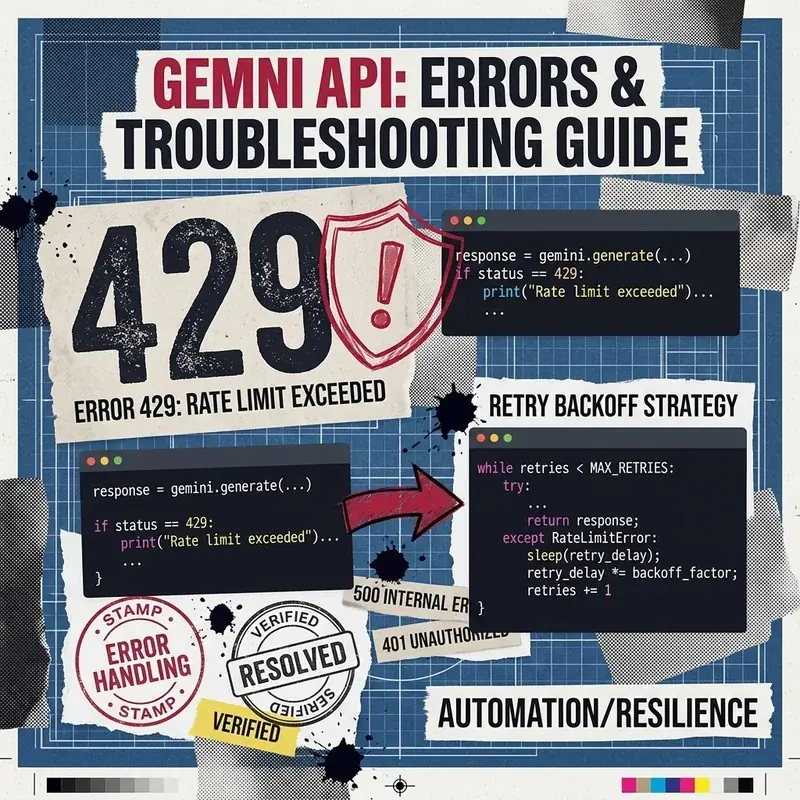
Error: WebGL Canvas Context Lost / Asset Socket Timeout (504)
Cause: Hardware Acceleration disabled or illegal nested bracket tag in script prompt.
Step-by-Step Fix:
- Enable Hardware Acceleration under Chrome Settings (
chrome://settings/system). - Remove nested bracket tags (e.g.,
[[Character: Alice]]) in custom prompts and use standard@Characterreferences. - Clear cached media assets by opening
DevTools > Application > Storage > Clear Site Dataand re-logging into Google Flow.
Script Panel Blank or Missing (“Is My Script Stolen?”)
A common panic occurs when creators return to a project and find all generated images listed in the All Media section, but the script text panel completely blank. Your script has not been stolen or lost.
+-----------------------------------------------------------------------+
|                       Google Flow Workspace State                     |
+------------------------------------+----------------------------------+
|      Primary Script Storage        |       Generated Asset Bucket     |
|   (Saved in Session IndexedDB)     |     (Persisted in Cloud Storage) |
+------------------------------------+----------------------------------+
|  Fails on tab idle or throttle    |  Always visible in All Media tab |
+------------------------------------+----------------------------------+
Google Flow separates script state storage (saved in IndexedDB/session memory) from generated image storage (persisted in cloud buckets). If your browser throttles background tabs or clears local storage, the script pane clears while images remain intact.
How to Recover Missing Script Text:
- Click the Workspace History icon on the top-right menu bar.
- Select the last auto-saved version timestamp prior to the session reset.
- If history is disabled, navigate to All Media > Metadata Export to retrieve embedded prompt text and script notes from your generated panels.
Known Limitations
While highly capable, maintaining perfect character consistency across many shots remains challenging. The AI can drift during complex action sequences, requiring creators to perform manual tagging of character references to keep visuals aligned.
Image Metadata
- Hero Image:
- Prompt: “Frosted glass board displaying film grids and scene drawings, bright daylight workspace, minimalist aesthetic, 16:9 aspect ratio”
- Filename: “storyboard-studio-hero.jpg”
- Alt: “Glass storyboard layout board”
- Supporting Visual 1:
- Prompt: “Minimalist UI representing script lines highlighted in different colors, clean white application dashboard mockup”
- Filename: “script-highlight.jpg”
- Alt: “Script highlight UI mockup”
- Supporting Visual 2:
- Prompt: “Close-up of a high-end designer tablet displaying stylized sketch concepts in a bright room”
- Filename: “sketch-tablet.jpg”
- Alt: “Creative sketch tablet workstation”
Storyboard Studio Resources
- Follow the complete hands-on guide in Step-by-Step Tutorial: Building Pre-Production Storyboards in Google Flow.
- Explore tool features in Google Flow Storyboard Studio: Product Overview.