Google Gemini CLI Tutorial: Ingesting Multi-Repository Context and Terminal Workflows
Google’s @google/gemini-cli brings the massive context window capabilities of Gemini models directly into developer terminal environments.
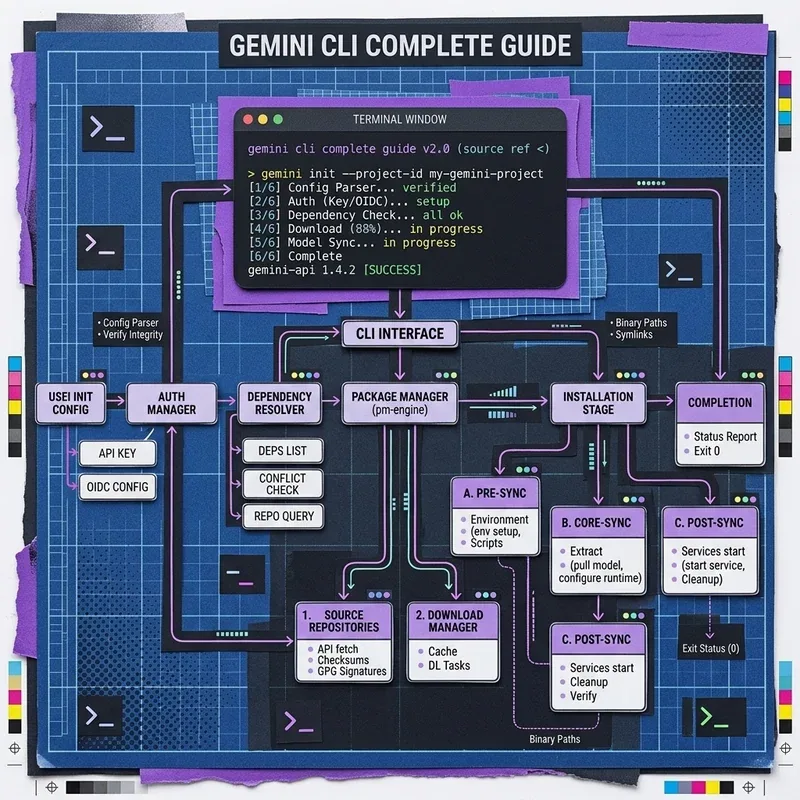
Software engineering workflows frequently span multiple decoupled repositories—such as separate React frontends, Node.js microservice backends, and Infrastructure-as-Code repos. This tutorial demonstrates how to leverage Gemini CLI’s 2,000,000-token context window, conversational branching commands, and multi-asset ingestion (PDFs, system diagrams, codebase snapshots).
Key Features & Multi-Repo Workflow Matrix
 ┌────────────────────────────────────────────────────────────────────────┐
 │                      GEMINI CLI MULTI-REPO WORKFLOW                    │
 └───────────────────────────────────┬────────────────────────────────────┘
                                     │
 ┌──────────────────────────┐        │        ┌──────────────────────────┐
 │  FRONTEND REPOSITORY     ├────────┼───────►│  GEMINI CLI SESSION      │
 │  (`src/components/`)     │        │        │  (2M Token Context)      │
 └──────────────────────────┘        │        ├──────────────────────────┤
 ┌──────────────────────────┐        │        │ • Branching Memory       │
 │  BACKEND REPOSITORY      ├────────┼───────►│ • Multi-Asset Ingestion │
 │  (`services/api/`)       │        │        │ • System Architecture    │
 └──────────────────────────┘        │        └──────────────────────────┘
 ┌──────────────────────────┐        │
 │  SYSTEM ARCHITECTURE PDF ├────────┘
 │  (`docs/architecture.pdf`)│
└──────────────────────────┘| Command / Flag | Primary Function | Developer Workflow Benefit |
|---|---|---|
npm install -g @google/gemini-cli | Global CLI Installation | Instant terminal access |
gemini --include "./backend" | Ingest directory subtree | Full backend codebase context |
gemini --asset "./docs/arch.pdf" | Ingest non-text PDF diagram | Analyzes architectural specifications |
gemini branch create <name> | Create session memory branch | Isolates experimental refactoring paths |
1. Step-by-Step Installation and Initialization
# Install the official Google Gemini CLI globally
$ npm install -g @google/gemini-cli

# Export your Gemini API Key from Google AI Studio
$ export GEMINI_API_KEY="AIzaSy..."

# Verify CLI version and connection
$ gemini --version
2. Ingesting Multi-Repository Context
Run Gemini CLI across decoupled frontend and backend repository directories in a single command session:
# Launch Gemini CLI with multiple codebase paths and architecture docs
$ gemini --include "../frontend-repo/src" \
         --include "../backend-service/src" \
         --asset "../docs/system-architecture.pdf" \
         "Analyze why the user authentication payload in the frontend does not match the Zod validation schema in the backend."
Gemini processes both codebase trees and the architectural PDF spec simultaneously inside its 2M token context window, pinpointing exact line numbers and generating drop-in TypeScript fixes across repositories.