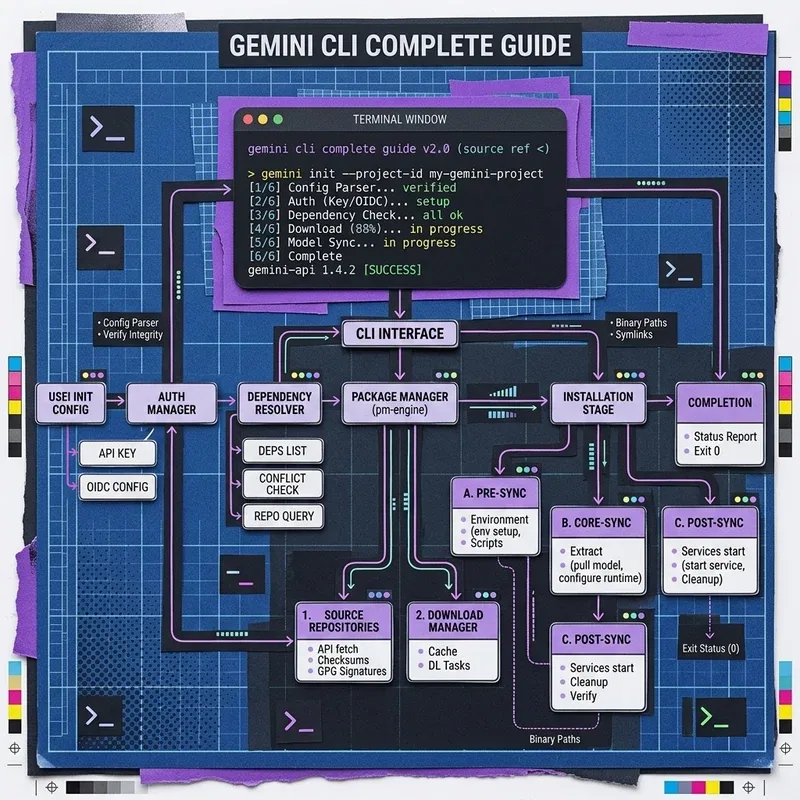
The Gemini CLI brings Google’s advanced language models directly into your terminal. It enables developers to pipe shell outputs, analyze code repos, automate git commits, and process local files using natural language.
Prerequisites & Installation
Gemini CLI requires Node.js 18+ or Python installed on your system.
Install via npm (Global Package)
npm install -g @google/gemini-cliVerify installation:
gemini --versionStep 1: Authentication
Export your Gemini API key obtained from Google AI Studio:
Windows (PowerShell)
$env:GEMINI_API_KEY="AIzaSyYourGeneratedApiKeyHere"macOS / Linux (Bash / Zsh)
export GEMINI_API_KEY="AIzaSyYourGeneratedApiKeyHere"Core Gemini CLI Commands
1. Simple Single Prompt Query
gemini "Explain the difference between process.nextTick and setImmediate in Node.js"2. Pipelining Shell Output into Gemini
Pipe the output of any terminal command directly into Gemini for instant debugging:
git diff | gemini "Generate a conventional commit message for these changes"Analyze server log files:
cat /var/log/nginx/error.log | gemini "Summarize top 3 recurring errors"3. File Code Review & Refactoring
Pass local source code files for automated review:
gemini analyze ./src/utils/auth.ts --prompt "Identify any potential security vulnerabilities"Interactive Chat Mode
Launch a multi-turn interactive session directly in terminal:
gemini chatInside chat mode:
/help— List available CLI helper commands/clear— Reset context window/exit— End session
Summary Checklist
- Install globally:
npm i -g @google/gemini-cli - Authenticate via
GEMINI_API_KEY - Pipe logs and git diffs directly to speed up daily developer workflows