Comparison Table
| Dimension | Claude Code CLI | Cursor 3 | Windsurf Cascade |
|---|---|---|---|
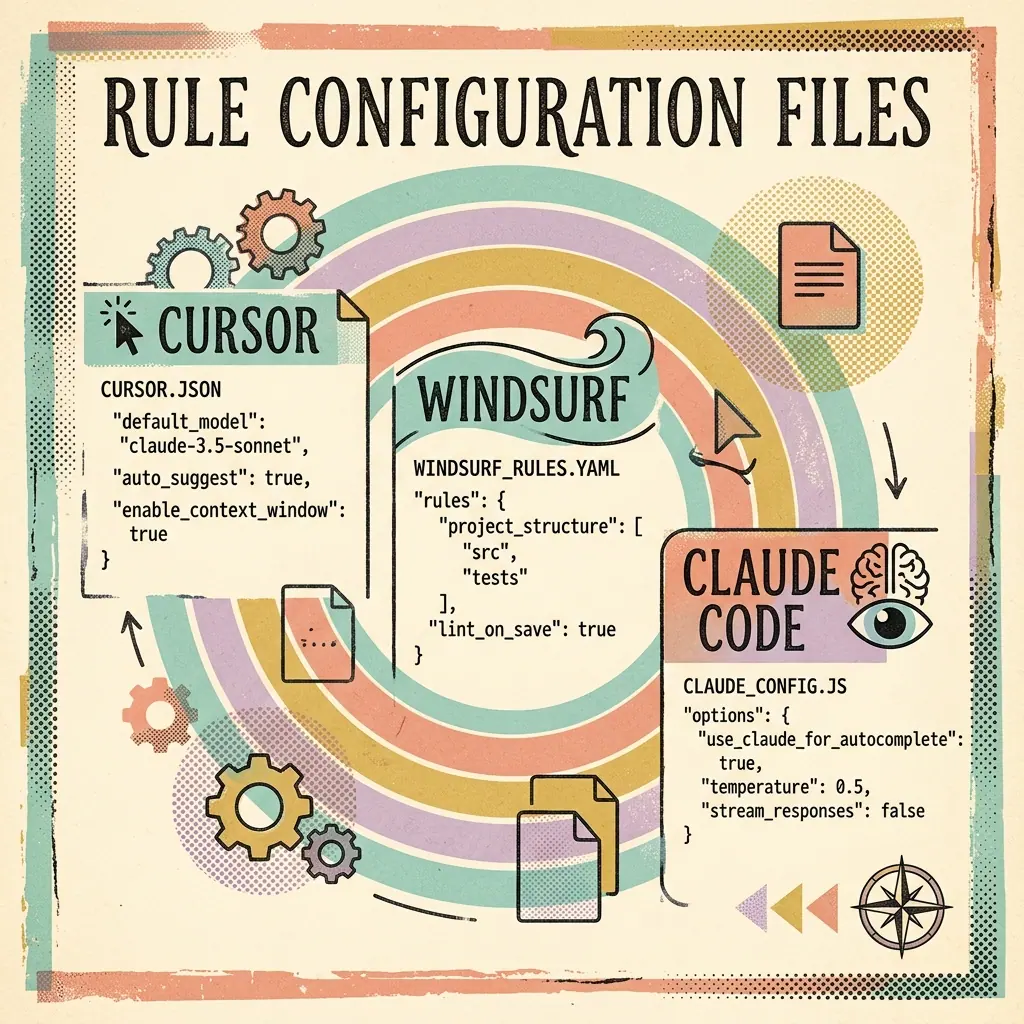
| Workspace | Terminal-first (CLI) | Forked VS Code GUI | Forked VS Code GUI |
| Primary AI Engine | Sonnet 3.7 / 3.5 | Custom GPT-4o / Claude | Cascade Orchestrator |
| System Access | Files, Shell, Git | Workspace files only | Files & semi-sandboxed terminal |
| Agentic Autonomy | Full Command Execution | Partial (requires approval) | Guided Cascades |
Context Handling
| Dimension | Claude Code CLI | Cursor 3 | Windsurf Cascade |
|---|---|---|---|
| Primary context source | Repo files and terminal state | Editor workspace | IDE workspace and Cascade plan |
| Best context pattern | Project instructions plus targeted file reads | Active file, selected code, indexed workspace | Guided plan plus referenced files |
| Risk | Over-broad agent autonomy | Hidden context selection | Agent plan may need manual steering |
| Best practice | Use CLAUDE.md and plan mode | Keep prompts scoped to files | Review each Cascade step |
For long-running sessions, token growth becomes a real cost. Use the LLM token estimator once the tool is available, or track prompt length manually for repeated agent loops.
Multi-file Edits
Claude Code is usually best for terminal-first refactors because it can run local tests after edits. Cursor is fastest for editor-scoped updates. Windsurf is the most structured when you want the IDE to mediate the plan.
| Task | Claude Code CLI | Cursor 3 | Windsurf Cascade |
|---|---|---|---|
| Rename a core type across repo | Strong | Good | Good |
| Update one React component | Good | Strong | Good |
| Add tests and run suite | Strong | Good | Good |
| Explain unfamiliar code | Strong | Strong | Strong |
| Controlled staged edits | Good | Good | Strong |
MCP and Tool Integration
MCP matters when the coding assistant needs access to external systems: docs, issue trackers, database schemas, browser automation, or local scripts.
Claude Code often gives the clearest MCP debugging loop because the terminal makes process errors visible. If MCP fails in a GUI app, read:
- How to Fix MCP Server Connection Refused and 404 Proxy Errors
- Fix Claude Desktop and Cursor spawn ENOENT npx Path Errors
Validate config with JSON Validator before restarting the client.
Cost and ROI Thinking
The right tool depends less on subscription price alone and more on how often the agent completes full tasks without cleanup.
Use this simple ROI model:
Weekly value = hours saved x developer hourly cost
Net ROI = weekly value - weekly tool cost - cleanup cost
Claude Code often produces higher value on repo-scale tasks. Cursor often wins for daily coding throughput. Windsurf can win for teams that need a visible, governed editing path.
Recommendation by Team Type
Solo technical founder
Claude Code CLI is highly productive if you are comfortable allowing it to run builds and test suites autonomously while you verify the Git diff.
Frontend developer
Cursor remains the easiest drop-in replacement for standard VS Code layouts.