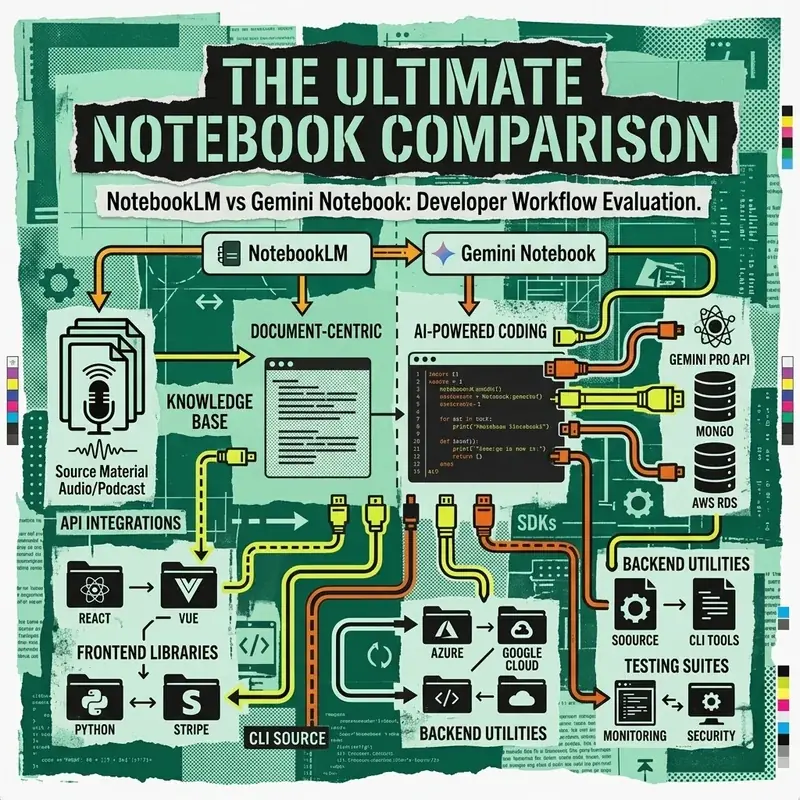
Google offers two primary notebook-centric AI environments for researchers and developers: NotebookLM and Gemini Notebook. While both leverage Gemini models for document synthesis, they serve fundamentally different use cases.
Architectural Comparison Table
| Feature | NotebookLM | Gemini Notebook |
|---|---|---|
| Primary Audience | Researchers, Students, Writers | Developers, Data Scientists |
| Source Grounding | Strictly grounded to uploaded PDFs/Docs | Web search + Custom Docs + Live Code Execution |
| Audio Overviews | Automated AI Podcast Generation | Audio transcripts + Voice synthesis |
| Code Execution | No native code runtime | Python & Node.js Cloud Sandbox |
| Citation Precision | Direct inline source quotes & page numbers | Standard markdown citations |
| API Availability | Consumer web interface | Accessible via Gemini API SDK |
Key Differences Explained
1. Source Grounding & Hallucination Prevention
NotebookLM functions as a personalized AI research assistant. When you upload PDFs, Google Docs, or YouTube URLs, NotebookLM restricts its responses strictly to your source material, dramatically reducing hallucinations.
In contrast, Gemini Notebook combines source documents with live Google Search web grounding and real-time execution capabilities.
2. Audio Overviews & Deep Dives
NotebookLM features one-click Audio Overview generation, converting your uploaded research documents into an engaging 10-minute conversational podcast hosted by two AI voices.
3. Developer & Code Execution Capabilities
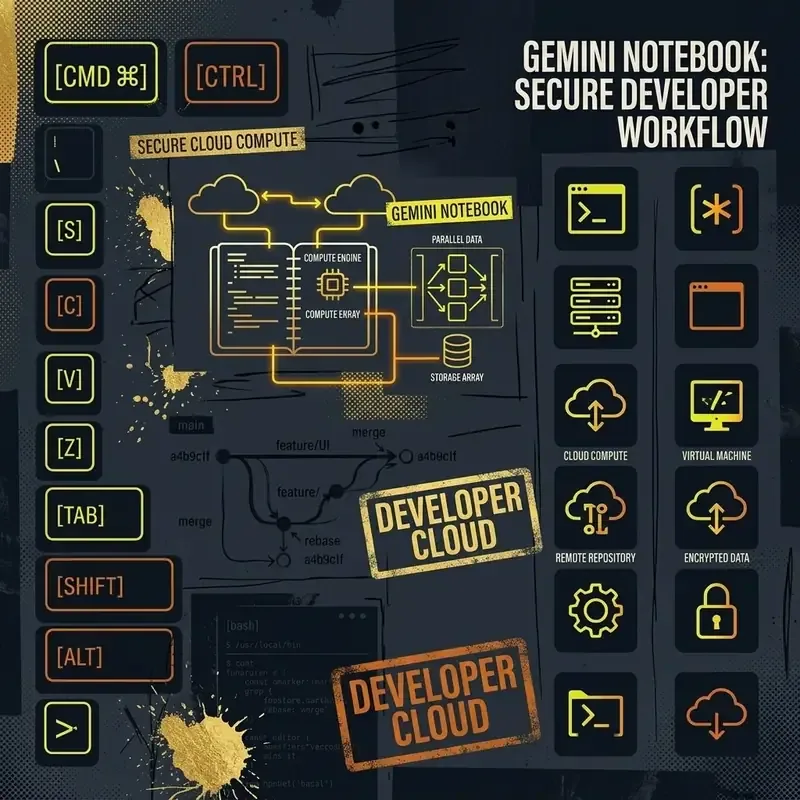
Gemini Notebook includes a full cloud Python code runtime, allowing developers to execute data analysis scripts, render charts, and query databases directly within the notebook interface.
Recommendation Summary
- Choose NotebookLM if: You need strict factual grounding across books, PDFs, research papers, or want automated audio overviews.
- Choose Gemini Notebook if: You are executing code, analyzing datasets, or building API integrations.