Direct Answer for Builders: A 12GB VRAM GPU (such as the NVIDIA RTX 3060 12GB, RTX 4070, or RTX 4070 Super) hits the sweet spot for consumer AI. It unlocks the powerful 14-billion parameter class running locally at GGUF Q4_K_M (consuming ~8.8GB VRAM with room for an 8K-to-16K context window) or allows you to run 7B/8B models at maximum uncompressed fidelity (Q8_0) with an enormous 32K context horizon.
While 8GB GPUs represent the entry barrier for local AI, 12GB of VRAM transitions your machine from running lightweight assistants to running deep reasoning and multi-step agentic models.
Whether you are analyzing lengthy codebases, synthesizing dense PDF documents, or experimenting with reasoning models like DeepSeek-R1, here are the best models tailored specifically for 12GB VRAM.
1. The 12GB VRAM Sweet Spot: Why 14B Parameter Models Win
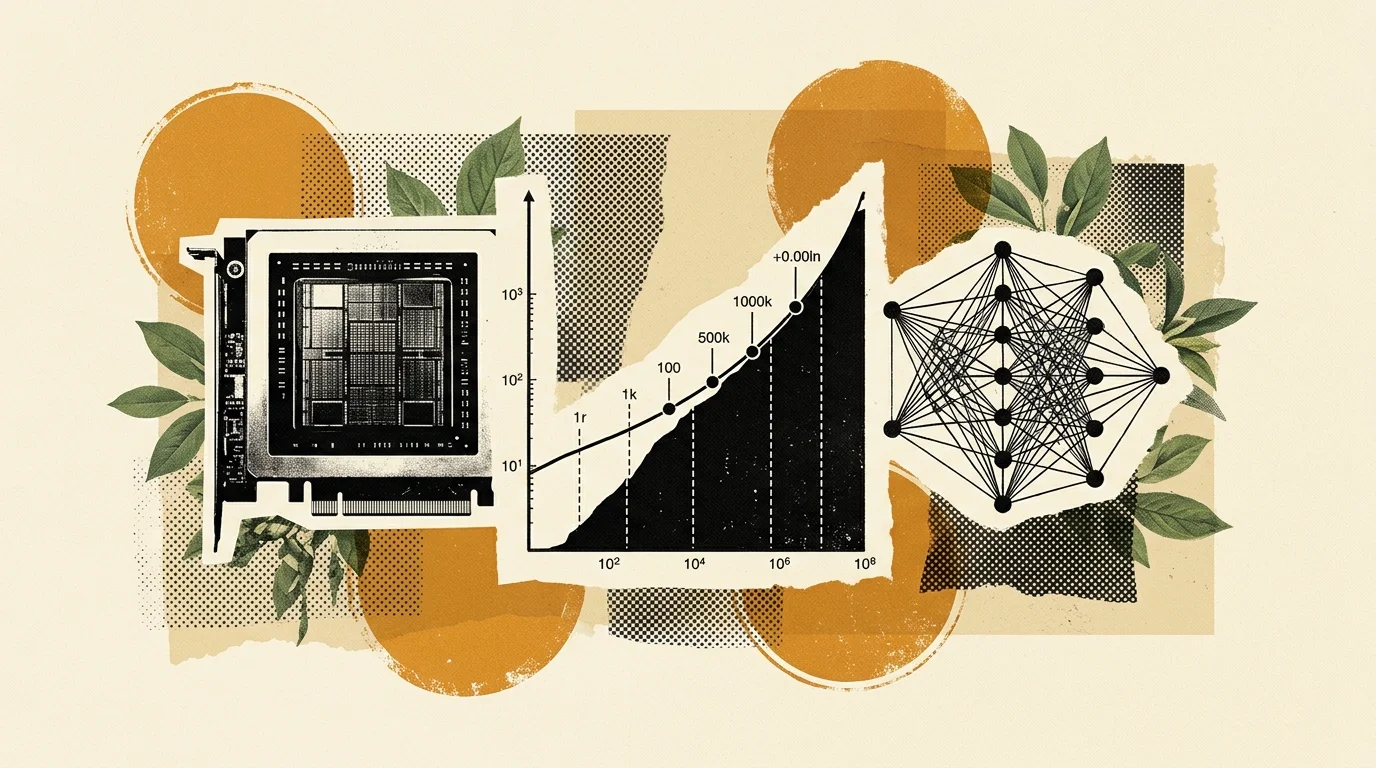
In machine learning inference, model intelligence scales logarithmically with parameter count. The leap from 7B to 14B parameters represents one of the most noticeable quality jumps in natural language processing:
[SCREENSHOT: Benchmark graph illustrating the dramatic performance jump from 7B to 14B across MMLU, HumanEval, and GSM8k]
To calculate memory allocations across different batch sizes, check our interactive GPU VRAM Calculator.
On a 12GB GPU:
- Available VRAM: ~11.8 GB (after display server overhead)
- 14B Model (Q4_K_M): ~8.8 GB
- Remaining Headroom for Context: ~3.0 GB (sufficient for 16,384 tokens with Flash Attention)
2. Top Recommended Models by Use Case
Category A: General Chat, Analysis & Writing
- #1 Choice: Qwen 2.5 14B Instruct (GGUF Q4_K_M)
- VRAM Required: 8.9 GB
- Generation Speed: 28–34 tok/s (RTX 4070)
- Why it wins: Exceptional nuance in long-form writing, flawless structural formatting, and strong instruction-following that rarely requires prompt re-tries.
Category B: Multi-Step Logic & Math Reasoning
- #1 Choice: DeepSeek-R1-Distill-Qwen-14B (GGUF Q4_K_M)
- VRAM Required: 9.1 GB
- Generation Speed: 25–30 tok/s
- Why it wins: Generates explicit
<think>reasoning traces before providing answers, breaking down complex engineering algorithms, mathematical proofs, and logic puzzles without hallucinating.
Category C: Heavy Coding & Architecture
- #1 Choice: Qwen 2.5 Coder 14B Instruct (GGUF Q4_K_M)
- VRAM Required: 8.9 GB
- Generation Speed: 30–36 tok/s
- Why it wins: Outperforms older 70B parameter models on code generation benchmarks. Capable of building complete multi-component web apps and debugging complex system traces.
Category D: Long-Context Document Analysis (32K Tokens)
- #1 Choice: Llama 3.1 8B Instruct (GGUF Q6_K or Q8_0)
- VRAM Required: 6.4 GB – 8.1 GB
- Generation Speed: 55–70 tok/s
- Why it wins: By choosing an 8B model instead of 14B, you reserve 4GB+ of free VRAM, allowing you to ingest entire books, legal contracts, or multi-module repositories up to 32,768 tokens without running out of memory.
3. 12GB VRAM Model Comparison Table
| Model Name | Parameters | Quantization | Model VRAM | Max Safe Context | Tok/s (RTX 4070) | Recommended For |
|---|---|---|---|---|---|---|
| Qwen 2.5 14B | 14.7B | Q4_K_M | 8.9 GB | 16K Tokens | 32 tok/s | Daily driver chat & analysis |
| DeepSeek R1 14B | 14.7B | Q4_K_M | 9.1 GB | 12K Tokens | 28 tok/s | Complex math & reasoning |
| Qwen 2.5 Coder 14B | 14.7B | Q4_K_M | 8.9 GB | 16K Tokens | 34 tok/s | Advanced software engineering |
| Llama 3.1 8B | 8.0B | Q8_0 | 8.1 GB | 32K Tokens | 62 tok/s | Fast long-context document RAG |
| Gemma 2 9B | 9.2B | Q5_K_M | 6.8 GB | 8K Tokens | 48 tok/s | Creative writing & poetry |
If you are comparing hardware upgrades from an older card, review our companion guide on the best local LLMs for 8GB VRAM.
4. Quick-Start Setup with Ollama
Run any of these verified 12GB configurations with a single terminal command:
# General Assistant & Writing (14B)
ollama run qwen2.5:14b-instruct-q4_K_M

# Deep Multi-Step Reasoning (14B)
ollama run deepseek-r1:14b

# Software Engineering Copilot (14B)
ollama run qwen2.5-coder:14b

# Maximum Speed Long Context (8B Q8)
ollama run llama3.1:8b-instruct-q8_0
12GB of VRAM represents the modern workstation sweet spot: big enough to run genuine 14B intelligence completely in fast GPU memory, without requiring expensive enterprise datacenter hardware.