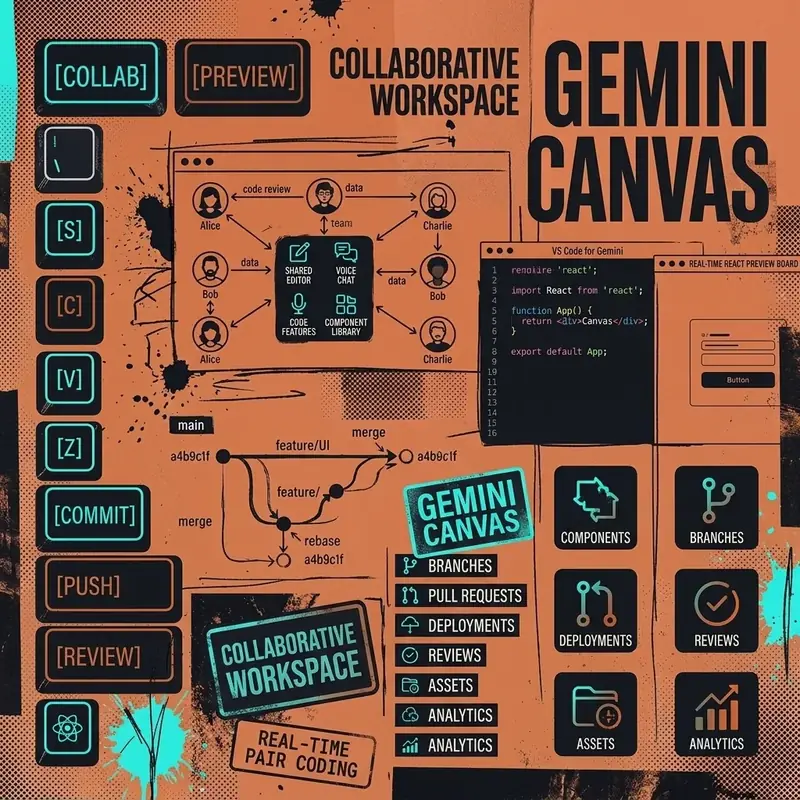
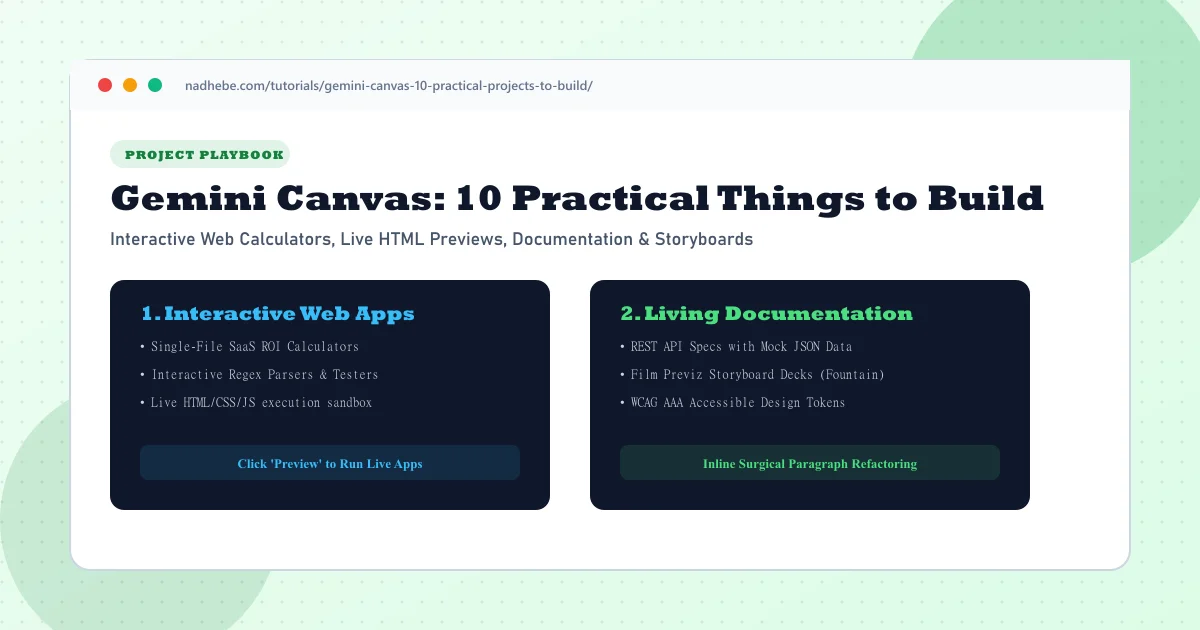
Direct Answer for Creators & Builders: Google Gemini Canvas is an interactive, split-screen workspace that pairs conversational AI with a persistent, editable document and code sandbox. Unlike linear chat windows where past context scrolls away, Canvas allows you to highlight specific paragraphs, execute live HTML/JavaScript previews, and co-write complex projects. You can use it to build interactive web calculators, full documentation wikis, custom CSS design token systems, and visual storyboard scripts with zero external tooling.
Linear AI chat interfaces are great for quick questions, but terrible for iterative work. When you ask a traditional chatbot to revise line 42 of a 200-line script, it re-generates the entire document, wasting time and forcing you to scan for unintended changes.
Gemini Canvas eliminates this friction by giving you a dynamic, split-screen sidecar editor.
If you are wondering what you can actually build beyond simple essays, here are 10 practical, production-ready projects you can build inside Gemini Canvas today—complete with copy-paste prompts and workflow steps.
The Gemini Canvas Workspace Architecture
┌─────────────────────────────────┬─────────────────────────────────┐
│     Conversational Chat (Left)  │     Living Document Canvas (Right)│
│                                 │                                 │
│  "Make the header responsive    │  <!DOCTYPE html>                │
│   and add dark mode toggle"     │  <header class="navbar">        │
│                                 │    <!-- Live Editable Code -->  │
│  [Prompt Box]                   │  [Run / Preview / Export Tabs]  │
└─────────────────────────────────┴─────────────────────────────────┘
[SCREENSHOT: Split-screen Gemini Canvas interface showing conversational prompts on the left and a live interactive web app preview on the right]
If you are new to the Canvas workspace, review our foundational guide on how to use Gemini Canvas.
Project 1: Single-File Interactive ROI Calculator (Web App)
Build a functional, responsive web application with sliders and instant visual calculations that you can preview right inside Canvas.
- Prompt to Copy:
Create an interactive SaaS ROI Calculator in a single HTML file with embedded Tailwind CSS and vanilla JavaScript. Include slider controls for: Monthly Team Size, Hourly Wage, and Hours Saved per Week. Compute annual dollar savings dynamically in a bold summary card. Provide an instant interactive preview. - Why Canvas Wins: Click the Preview tab in the top right to test the sliders and real-time math immediately.
Project 2: Film Pre-Production Storyboard Deck
Organize scene breakdowns and visual prompt decks before importing them into video tools like Google Flow Storyboard Studio.
- Prompt to Copy:
Create a 6-scene Cinematic Storyboard Deck for a sci-fi mystery short film in Markdown format. For each scene, include: Scene Heading, Narrative Beat, Shot Framing (Wide/MCU/OTS), Camera Motion Vector, Lighting Palette, and a Google Veo Video Generation Prompt. - Why Canvas Wins: Highlight any scene and click “Make lighting more moody” to update that exact shot without altering the rest of the script.
Project 3: REST API Documentation & Mock JSON Server
Draft enterprise API documentation with interactive mock response payloads.
- Prompt to Copy:
Write a complete OpenAPI-style documentation page for an E-commerce Payment Gateway API. Document endpoints for /v1/checkout, /v1/subscriptions, and /v1/webhooks. Include curl code examples, request schemas, and sample JSON error responses (400, 401, 429).
Project 4: Comprehensive Markdown Technical Blog Post
Write long-form technical guides formatted for Astro, Next.js, or Hugo static sites.
- Prompt to Copy:
Draft an in-depth 1,500-word engineering guide comparing SQLite WAL mode to PostgreSQL for multi-agent state management. Include ASCII architecture diagrams, benchmarking tables, SQL transaction code blocks, and an FAQ section.
Project 5: Interactive Flashcard Quiz Deck
Build a self-contained web quiz with score tracking and explanations.
- Prompt to Copy:
Build an interactive HTML/JS flashcard app for studying Python Data Structures. Include 10 challenging multiple-choice questions. Show immediate green/red feedback on click, explain the concept, and display a final score percentage at the end.
Project 6: CSS Design Token & Tailwind Theme System
Generate a complete design token system for your design and development team.
- Prompt to Copy:
Generate an accessible, WCAG AAA compliant color and typography design system for a modern fintech dashboard. Define CSS custom properties (--color-primary, --color-surface, etc.) for both light and dark themes, alongside a Tailwind config extension object.
Project 7: Automated Regex & String Parser Playground
Create a lightweight browser utility to test regular expressions against sample log strings.
- Prompt to Copy:
Create an interactive single-page Regex Tester web app. Include an input field for the regex pattern, a textarea for sample text, and real-time visual highlighting of matching capture groups with a match count counter.
Project 8: Executive Strategy Pitch Deck Outline
Format an executive business case with problem statements, market sizing, and milestone roadmaps.
- Prompt to Copy:
Create a 10-slide executive pitch deck outline for an enterprise AI Agent Observability platform. For each slide, outline: Slide Title, Core Metric Callout, Bullet Points, and Speaker Notes explaining the ROI.
Project 9: Python CLI Utility with Argparse
Write a modular, production-ready Python command-line utility.
- Prompt to Copy:
Write a production-ready Python CLI tool using argparse that scans a directory for image files (.png, .jpg), compresses them using Pillow, and outputs WebP assets with a progress bar and summary table. Include type annotations and docstrings.
Project 10: Video Production Shot List with Fountain Syntax
Format raw creative ideas into verified screenplays ready for building pre-production storyboards in Google Flow.
- Prompt to Copy:
Convert this 3-paragraph commercial concept into strict Fountain screenplay syntax. Insert bracketed camera direction tags [WIDE], [MEDIUM], [CLOSE-UP] and ensure all dialogue and sluglines follow professional screenplay standards.
Summary: How to Get the Most Out of Gemini Canvas
- Use Inline Highlighting: Select any paragraph or code block on the right canvas, and click the quick-action pills (“Shorten”, “Add detail”, “Fix bugs”, “Change tone”).
- Toggle Between Code and Preview: When working with HTML/JS, use the Preview button to verify functionality before copying code.
- Export with One Click: Click the export icon to send documents straight to Google Docs or download clean markdown and code files directly.
Gemini Canvas redefines generative AI from a passive question-and-answer tool into an active, creative pair programmer and document editor.